

Introduction
Complete guide to install, manage, and operate ImnovaPanel, the web hosting control panel for AlmaLinux 9 servers.
ImnovaPanel is a self-hosted web hosting control panel designed for AlmaLinux 9 servers. It unifies website management, domains, DNS, SSL certificates, email, databases, file management, FTP, security, backups, and Node.js & Python applications into a single streamlined platform.
It provides two separate environments:
- Admin Panel (port
2087): for server administrators. Manage accounts, plans, resellers, services, firewall, email, PHP versions, backups, and migrations. - Client Panel (port
2083): for individual hosting accounts. Users manage only their own domains, mailboxes, databases, files, cron jobs, and apps, without root administrative server access.
ImnovaPanel is currently in beta (version 0.71). All features described in this documentation are fully functional unless stated otherwise. Check Limitations & Roadmap to see upcoming developments.
Where to Start
| If you want to… | Read |
|---|---|
| Check if your server is compatible | System Requirements |
| Install the panel | Installation |
| First login & configure hostname with SSL | First Access |
| Activete your license | Licensing |
| Create your first hosting account | Accounts & Plans |
| Migrate websites from cPanel | Migrations |
| Deploy a Node.js or Python application | Node.js & Python Apps |
| Update the panel | Updates |
| Troubleshoot an issue | Troubleshooting |
| View version changelog | Changelog |
What ImnovaPanel Includes
| Area | Components |
|---|---|
| Web Server | Nginx as frontend reverse proxy and Apache as local backend, per-domain PHP-FPM |
| PHP | PHP versions 7.4, 8.0, 8.1, 8.2, 8.3, 8.4, and 8.5 (Remi), selectable per domain |
| DNS | BIND with full DNS zones managed directly from the panel |
| SSL | Let's Encrypt for panel hostname, domains, subdomains, and mail.dominio |
| Exim, Dovecot, OpenDKIM, SpamAssassin y webmail Roundcube | |
| Databases | MariaDB and phpMyAdmin with temporary token access |
| Files | Administrator de files web y FTP virtual (vsftpd) |
| Applications | Node.js and Python with deployment from ZIP, RAR, or TAR |
| Security | CSF/LFD, ModSecurity, ClamAV, 2FA, brute-force blocking, audit logging |
| Backups | Native format with SHA-256 verification, restoration, and cPanel import |
| Operations | CLI iapanel: diagnostics, update with rollback, status, and licenses |
Documentation Conventions
- Commands are executed as root on the server, unless stated otherwise.
srv.tudominio.comrepresents your server hostname and203.0.113.10its public IP. Replace them with your own values.- Callout boxes highlight critical information:
Información adicional útil.
Something that may cause service or data loss if overlooked.
This documentation corresponds to ImnovaPanel 0.71.329. To check which version is currently installed, run iapanel version or check the version number under the logo in the panel. See Versions for release policy and distribution channels.
System Requirements
Operating system, hardware, network, and DNS prerequisites to install ImnovaPanel.
ImnovaPanel installs on a clean AlmaLinux 9 server. The installer configures all hosting services, so it must not be run on a server that already hosts websites or has another control panel.
Operating System
| Requirement | Detail |
|---|---|
| Distribución | AlmaLinux 9.x, 64 bits (x86_64) |
| Installation | Mínima (minimal), freshly installed, without any other control panel |
| Access | Userroot or access via sudo to a root shell session |
| Repositorios | Internet access for BaseOS, AppStream, CRB, EPEL, and Remi |
| SELinux | Compatible. The installer configures all required contexts and ports |
Do not install ImnovaPanel on a server with cPanel, Plesk, DirectAdmin, or another panel. The installer replaces configurations for Nginx, Apache, BIND, Exim, Dovecot, MariaDB, and vsftpd.
Debian, Ubuntu, and AlmaLinux 10 are not supported in production.
The preview has been installed and validated with an active license on both a VM and an OVH VPS running Debian 13. Nginx, Apache, PHP 8.4, MariaDB, the frontend, API, privileged agent, and account and domain adapters are operational. The signed update channel and automatic rollback have also been validated on the VPS. Version 0.71.331 adds an nftables firewall, Fail2ban, ModSecurity with the OWASP CRS, unattended security updates, and additional systemd isolation. Migration of the remaining privileged operations out of the main backend is still in progress. Mail and DNS are also pending, so this build must not be used in production. Download the preview installer.
Hardware
| Resource | Minimum | Recommended for production |
|---|---|---|
| CPU | 1 vCPU | 2 a 4 vCPU |
| RAM | 2 GB | 4 GB o más |
| Swap | 1 GB | 2 GB o ZRAM |
| Disco | 20 GB SSD | 50 GB NVMe or more, depending on hosted websites |
| Filesystem | XFS o ext4 | XFS (allows per-account quotas with xfs_quota) |
The panel and its agent use approximately 110 MB de RAM at idle. The remaining memory is consumed by hosting services: PHP-FPM, MariaDB, Exim, Dovecot, SpamAssassin, ClamAV, and hosted websites.
With 1 GB of RAM the server can run the panel, but ClamAV and SpamAssassin consume substantial memory. If using a small VPS, install with ISERVERPANEL_INSTALL_CLAMAV=0 (ver Installation).
Network
- A static public IPv4 assigned directly to the server. The license is linked to this IP.
- IPv6 is not required. ImnovaPanel applies a policy of IPv4-first and disables IPv6 across services.
- The provider must allow inbound traffic on ports listed in Ports & Firewall.
- To send email, the provider must allow port 25 saliente. Many providers block it by default and enable it upon request.
DNS and Hostname
For production you need a fully qualified domain name (FQDN) hostname, such as srv.yourdomain.com, with an A record pointing to the server IP. It is used for:
- the panel SSL certificate (Let's Encrypt),
- the mail server identity,
- panel shortcut URLs.
If you do not have a hostname yet, the panel can be installed in temporary IP mode and configured later. See First Access.
Recommended DNS Records
| Record | Nombre | Valor |
|---|---|---|
| A | srv.tudominio.com |
IP of the server |
| A | ns1.tudominio.com y ns2.tudominio.com |
Server IP (if server acts as authoritative DNS) |
| A | mail.tudominio.com |
IP of the server |
| PTR (rDNS) | IP of the server | srv.tudominio.com |
The recordPTR(Reverse DNS / PTR) is configured in your VPS provider portal, not in ImnovaPanel. Without a valid PTR, providers like Gmail and Outlook frequently reject or mark server emails as spam.
Licensing
You need an active or trial license linked to the public IPv4 of the server. Without a valid license the panel is locked. See Licensing.
Checklist
Before Installing, confirma:
- Clean AlmaLinux 9, 64-bit, with root access.
- Al menos 2 GB de RAM y 20 GB de disco libres.
- IPv4 pública estática.
- Hostname with an A record pointing to the server (or decision to use provisional mode).
- PTR record configured at your provider.
- Port 25 saliente enabled, si vas a enviar email.
- License key (or trial request) for the server IP.
Installation
Install ImnovaPanel on a clean AlmaLinux 9 server, step by step.
The installation downloads the official ImnovaPanel package, executes the installer for AlmaLinux 9, and activates your license. Before starting, review the system requirements.
1. Prepare the Server
Connect via SSH as root and update the system:
dnf -y update
reboot
If you already have your final hostname, configure it before installing. The installer lo detecta automáticamente:
hostnamectl set-hostname srv.tudominio.com2. Download and Install
curl -fsSL https://imnovapanel.net/downloads/install.sh | bashThe installer downloads the latest version fromimnovapanel.net, verifies the manifest Ed25519 signature, checks package SHA-256 checksum, and only then executes the installer for AlmaLinux 9.
If you prefer to inspect the script before running it:
curl -fsSL -o install.sh https://imnovapanel.net/downloads/install.sh
less install.sh
bash install.sh
The installer verifies the system is AlmaLinux 9 and running as root. If any condition is not met, it terminates cleanly without modifying the server.
Duration depends on provider and repository speed: installingalan y configuran decenas de paquetes, incluidas cinco versions de PHP.
3. License activates automatically
No extra steps needed: the license is identified by theIPv4 públicaof the server. Upon completion, the installer queries the license server using that IP; if an active license or trial exists, the panel is instantly enabled.
If you hadn't requested a license yet, request one at theclient portalfor the server IP. The panel detects it automatically in under 5 minutes. To validate immediately, run:
iapanel license-checkThe command queries the license server with the server IP and verifies the cryptographic signature of the response. SeeLicensing.
4. Verify the installation
iapanel doctordoctorchecks services, Nginx/Apache/BIND configurations, permissions, ports, firewall, license, and privileged agent. The final result should showFAIL=0. Warnings (WARN) indican recomendaciones, no errores. Ver iapanel CLI.
Upon completion, the installer displays the access URLs:
Admin:   https://srv.tudominio.com:2087/
Client:  https://srv.tudominio.com:2083/
Webmail: https://srv.tudominio.com:2096/roundcube/
CLI:     iapanel
Continue with First Access.
What the Installer Does
The installer executes these steps in order:
- Verifies root and AlmaLinux 9, detecting IPv4 and hostname.
- Enables EPEL, CRB, and Remi repositories.
- Installs Nginx, Apache (httpd), PHP 7.4 to 8.5 with PHP-FPM, MariaDB, BIND, Exim, Dovecot, OpenDKIM, SpamAssassin, vsftpd, Certbot, Node.js, Python 3, Roundcube, phpMyAdmin, ModSecurity, and optionally ClamAV.
- Applies IPv4-first policy.
- Copies application files to
/opt/iserverpaneland builds the frontend interface. - Writes configuration to
/etc/iserverpanel/iserverpanel.envwith a random session secret. - Configures MariaDB strictly on
127.0.0.1and applies an optimized performance profile. - Configures Apache as a local backend (
127.0.0.1:8080y8443) and Nginx as the front-end reverse proxy. - Registers panel ports in SELinux and opens them in firewalld.
- Configures phpMyAdmin, Roundcube, BIND, email stack, and virtual FTP.
- Installs the privileged agent
imnovapanel-agent, the serviceiserverpaneland the CLIiapanel. - Queries the licensing status.
- Applies permissions, logrotate, and scheduled cron jobs, validating the setup.
- Installs CSF/LFD firewall (optional). To prevent dropping your connection, it opens the active SSH port and whitelists your current installer IP in
/etc/csf/csf.allow.
Installer Options
Passed as environment variables to bash:
curl -fsSL https://imnovapanel.net/downloads/install.sh | ISERVERPANEL_PANEL_HOSTNAME=srv.tudominio.com ISERVERPANEL_INSTALL_CLAMAV=0 bash| Variable | Default Value | Description |
|---|---|---|
ISERVERPANEL_PANEL_HOSTNAME |
hostname of the sistema | Panel hostname |
ISERVERPANEL_SHARED_IP |
IPv4 detectada | Shared IP for hosting accounts |
ISERVERPANEL_INSTALL_CSF |
1 |
Installs CSF/LFD. 0 keeps only firewalld |
ISERVERPANEL_INSTALL_CLAMAV |
1 |
Installs ClamAV. 0 omits it (recommended for low-RAM servers) |
ISERVERPANEL_INSTALL_PHP_STACKS |
1 |
Installs Remi PHP versions |
ISERVERPANEL_ADMIN_PORT |
2087 |
HTTPS port for Admin Panel |
ISERVERPANEL_CLIENT_PORT |
2083 |
HTTPS port for Client Panel |
ISERVERPANEL_WEBMAIL_PORT |
2096 |
HTTPS port for Webmail |
ISERVERPANEL_HOSTING_ROOT |
/home |
Directory for hosting accounts |
ISERVERPANEL_BACKUP_DIR |
/backup |
Destination directory for native backups |
Changing panel ports is not as widely tested as default ports. Keep 2087, 2083, and 2096 unless you have a specific requirement.
If Installation Fails
- Review the last
[iserverpanel:warning]message or on-screen error. - If CSF installation failed, check
/var/log/iserverpanel-csf-install.log. The rest of the panel remains installed and operational with firewalld. - Check connectivity to package repositories:
dnf repolist. - Once fixed, run
iapanel doctorto see which components require attention.
If the issue persists, refer to Troubleshooting.
First Access
Logging into the panel, setting up hostname and SSL certificate, enabling 2FA, and learning access endpoints.
Panel Access Addresses
| Access | Address / URL | Who Logs In |
|---|---|---|
| Administration | https://srv.tudominio.com:2087/ |
Server administrator and resellers |
| Cliente | https://srv.tudominio.com:2083/ |
Each hosting account |
| Webmail | https://srv.tudominio.com:2096/roundcube/ |
Each email mailbox |
Once hostname and SSL are configured, short URLs also work from server domain:
| Path | Opens |
|---|---|
/iadmpanel |
Admin Panel |
/ipanel |
Client Panel |
/webmail |
Roundcube |
Credentials
- Administrator:
rootuser and server root password. The nameadminis also accepted as an alias forroot. - Reseller: their own Linux username and password, logging in on port
:2087. The panel detects the reseller role and opens reseller mode, never admin mode. See Resellers. - Client: their hosting account username and password, logging in on the client portal (
:2083).
The admin portal only accepts root. Hosting account users cannot log in as administrators even with valid passwords.
To change the administrator password, update the root password on the server using passwd.
Direct Autologin from Console (SSH)
When connected to the server via SSH as root, you can access the admin panel directly without typing a password or 2FA code. Simply run in your terminal:
iapanelThe command iapanel (o iapanel login) instantly generates a direct access URL (single-use autologin). Clicking or pasting into your browser logs you in automatically as administrator without manual credentials. The token expires in 120 seconds. Seeiapanel CLI.
Configuring Hostname & SSL
Log into the Admin Panel and navigate to Change Hostname. This single screen manages:
- server hostname and base zone,
- shared IP for hosting accounts,
- DNS resolvers and timezone,
- recommended DNS records,
- hostname SSL certificate.
Steps:
- Enter the full hostname, for example
srv.yourdomain.com. - Review the table of recommended DNS records: hostname,
admin,login,webmail,mail,ns1, andns2. Create those records in your DNS provider or local zone. - Wait until the hostname A record resolves to your server IP.
- Pulsa Aplicar Hostname y Emitir SSL. The panel validates DNS, issues the Let's Encrypt certificate, and binds it to ports 2087, 2083, and 2096.
To renew the certificate without changing settings, use Renew SSL Only. You can also repair it via SSH:
iapanel ssl-hostnameTemporary Mode without Hostname
If installed without a valid hostname, the panel starts in initial setup mode and operates via IP:
- Administration:
https://203.0.113.10:2087/ - Cliente:
https://203.0.113.10:2083/ - Webmail:
https://203.0.113.10:2096/roundcube/
In this mode, the SSL certificate is self-signed and browsers will display a security warning. This is expected: accept it to complete initial setup. The hostname screen displays a notice until a real FQDN and valid SSL are applied.
Do not use temporary mode in production: clients will see SSL certificate warnings and server email will lack a valid identity.
Enabling Two-Factor Authentication (2FA)
ImnovaPanel supports 6-digit TOTP codes for administrator accounts, fully compatible with Google Authenticator, Microsoft Authenticator, Authy, 1Password, and standard TOTP apps.
- in the administration panel, openSecurity & Access Control(Security & Access) and enable Two-Factor Authentication (2FA).
- Generate your configuration key and scan the QR code with your authenticator app.
- Confirm with the 6-digit verification code from the app.
From then on, logins require the TOTP code after password entry. The 2FA code also protects the web SSH terminal: no session can open it without completing second-factor authentication.
Keep SSH root access as a recovery channel. If you lose your 2FA device, iapanel login allows you to log in and reconfigure it.
Brute-Force Protection & Rate Limiting
By default, after5 intentos fallidos en 30 minutosfailed attempts for the same user from the same IP, that access is blocked for15 minutos. The block affects only that specific user/IP combination: other users continue accessing normally. Parameters can be tuned inSecurity & Access Control. Ver Security.
Language & Appearance
- The default language isinglés. You can switch languages using the header language toggle; preferences are saved locally in the browser.
- The panel includes multiple visual themes, with light and dark mode support. The theme Betais the newest release.
Next Steps
- Active tu license si aún no lo hiciste.
- Reviewplanesand create your first account.
- Configurepolicy de backups.
- Verifyentregabilidad of the email.
Licensing
How ImnovaPanel licenses are activated and validated, what happens during license expiration, and how to change server IP.
Real-Time License Checker
Enter your server IP to check its status in the network:
Each ImnovaPanel installation requires an active license linked to thepublic IPv4 and installation hardware identity, managed through a central cryptographic digital signature system.
How the system works
The licensing framework consists of three independent components:
- Portal de clients (imnovapanel.net):where the clients se registran, eligen su plan, solicitan pruebas de 15 days y gestionan sus pagos o cambios de IP.
- Server central de licenses (licadm.imnovapanel.net):service autónomo que emite the licenses, procesa the renovaciones de pago y firma digitalmente the autorizaciones.
- The panel on your server:upon installation or boot, periodically queries the license server and verifies the response against its built-in public key.
Security y firmas criptográficas (Ed25519)
for evitar manipulaciones in the servers locales o intentos de falsificación, the validaciones utilizan criptografía asimétrica:
- Each authorization issued by the central server includes aEd25519 digital signaturegenerated with a protected private key.
- The ImnovaPanel agent on each client server verifies the signature against the official public key built into the panel.
- The authorization firmada includes the identidad of the installation solicitante, by lo que a respuesta o caché copiada desde otro server es rechazada.
- Cualquier intento de modify files de license locales, falsear respuestas o alterar DNS records es rechazado de inmediato by the panel to the no contar with a firma válida.
Periodic Checks and Plan Limits
The server executes an automated validation 2 minutes after startup and thenevery 5 minutes:
- The panel transmits basic status telemetry: public IP, hostname, installed version, and total created accounts.
- The server de licenses comprueba que the cantidad de accounts no supere the plan asignado:
- Trial:1 account (15 days de prueba completa).
- Basic:hasta 5 accounts de hosting.
- Standar:up to 20 hosting accounts (enables reseller support).
- Professional:accounts de hosting ilimitadas y marca blanca.
Integración comercial y pagos automáticos
The comunicación entre the portal web y the server de licenses es automática y works a través of a API privada protegida:
- Pruebas gratuitas:to the solicitar a trial in the portal, the license se enables inmediatamente in the server de licenses by 15 days.
- Planes de pago:when the client abona mediante Mercado Pago, PayPal o tarjeta, the webhook de pago confirma the operación in the server de licenses to the instante.
- Margen de gracia:ante demoras bancarias in the acreditación de renovaciones, the sistema otorga 3 días de tolerancia before alterar the status of the license.
- IP Reassignment:si the client migra a otro VPS o changes de proveedor, can reasignar the IP de su license directamente desde the portal.
Commands de gestión in the terminal
No es necesario ingresar claves manualmente in the server: the vinculación by IP es automática. for consultar o forzar a validation desde SSH:
# Validar y activar la licencia con el servidor oficial
iapanel license-check

# Consultar el estado actual sin enviar petición de activación
iapanel license-check --no-activate

# Consultar el estado verificado por el agente privilegiado
iapanel agent license
Statuss of the license
| Código de Status | Meaning Técnico | action Requerida |
|---|---|---|
LICENSE_OK |
License enables, validada y firma criptográfica verificada. | Ninguna (operación normal). |
LICENSE_MISSING |
The server does not have an active license associated with its IPv4. | Solicitar a license o prueba in the portal. |
LICENSE_INACTIVE |
The license existe pero se encuentra suspendida o cancelada. | Check subscription status in the client portal. |
LICENSE_INVALID_SIGNATURE |
The digital signature does not match the master public key. | Ejecutar iapanel license-check; si persiste, contactar soporte. |
LICENSE_NOT_ACTIVATED |
The license key exists but this server has not been activated. | Activer the IP desde the client portal. |
LICENSE_EXPIRED |
The período de suscripción ha vencido. | Renovar the suscripción for extender the fecha. |
LICENSE_VALIDATION_STALE |
No se pudo conectar with the clúster dentro of the período de gracia (72h). | Verify outbound server internet connectivity. |
LICENSE_ACCOUNT_LIMIT |
The número de accounts de hosting supera the limit of the plan contratado. | Update to the plan superior o depurar accounts inactivas. |
Grace period (72 horas)
Si the server de licenses no responde by a corte temporal de red o mantenimiento, ImnovaPanel sigue funcionando with the última validation válida durante72 horas. Durante ese plazo the services no se detienen y the administrator ve a notice informativo.
Qué pasa si a license se suspende o vence
when the server de licenses confirma que a license está suspendida o vencida, is applied a process escalonado que protege the datos of the users:
| Momento | Comportamiento of the server |
|---|---|
| Al confirmarse the suspension | Panel access displays a 72-hour grace period countdown.The websites, the email y the databases siguen funcionando normalmente. |
| A the 72 horas | Websites display a landing page for"Site Temporarily Suspended"(código HTTP 503, without indexar en buscadores). |
| Services de fondo | Email (Exim/Dovecot), MariaDB databases, DNS, and SSL certificate renewals are never interruptedfor evitar pérdida de mensajes o datos. |
| Al renovar | Apenas se acredita the pago, the panel vuelve a estar active y the websites se restablecen automáticamente en pocos segundos. |
Panel de control of the server de licenses
for the gestión interna de licenses, the sistema includes a interfaz web de administration enlicadm.imnovapanel.net:
- Security:passwords with hashing
scrypt, bloqueo de intentos fallidos by IP y authentication de two-factor authentication (2FA) (2FA) obligatoria by email. - Monitor en vivo:visualización in real time de each validation entrante (IP, hostname, version y accounts en uso).
- Gestión de planes:creación y edición de licenses, reasignación de IPs, cambio de limits y suspensiones in 1 click.
Verificador de license by IP
Queries the license server in real time to verify whether an IPv4 holds an active ImnovaPanel license. For privacy and security, only operational status and assigned plan are returned; owner details remain hidden.
Automated Emails
The emails que recibe each client to the registrarse, enable a license, pagar a plan o change datos de su account.
The client portal at imnovapanel.netenvía a email en each paso importante of the account: the record / log, the licenses, the pagos y the cambios de security. The emails están eninglés y salen desde no-reply@imnovapanel.net, with SPF, DKIM y DMARC configurados for que lleguen to the bandeja de entrada y no to the spam.
What email is sent and when
| Cuándo | Asunto | Qué includes |
|---|---|---|
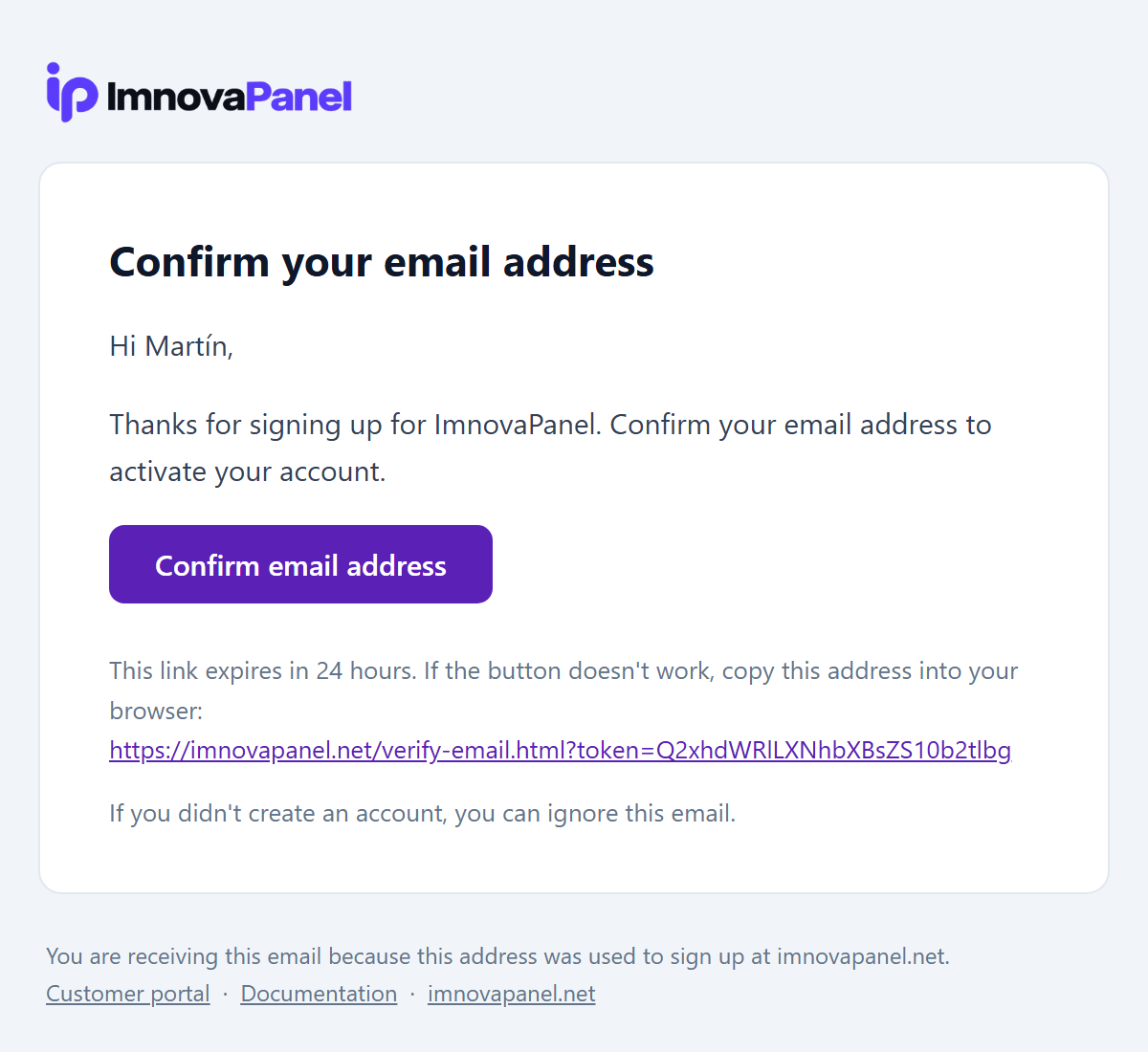
| Se registra with email y password | Confirm your ImnovaPanel account | button for confirmar the email (vence en 24 horas) |
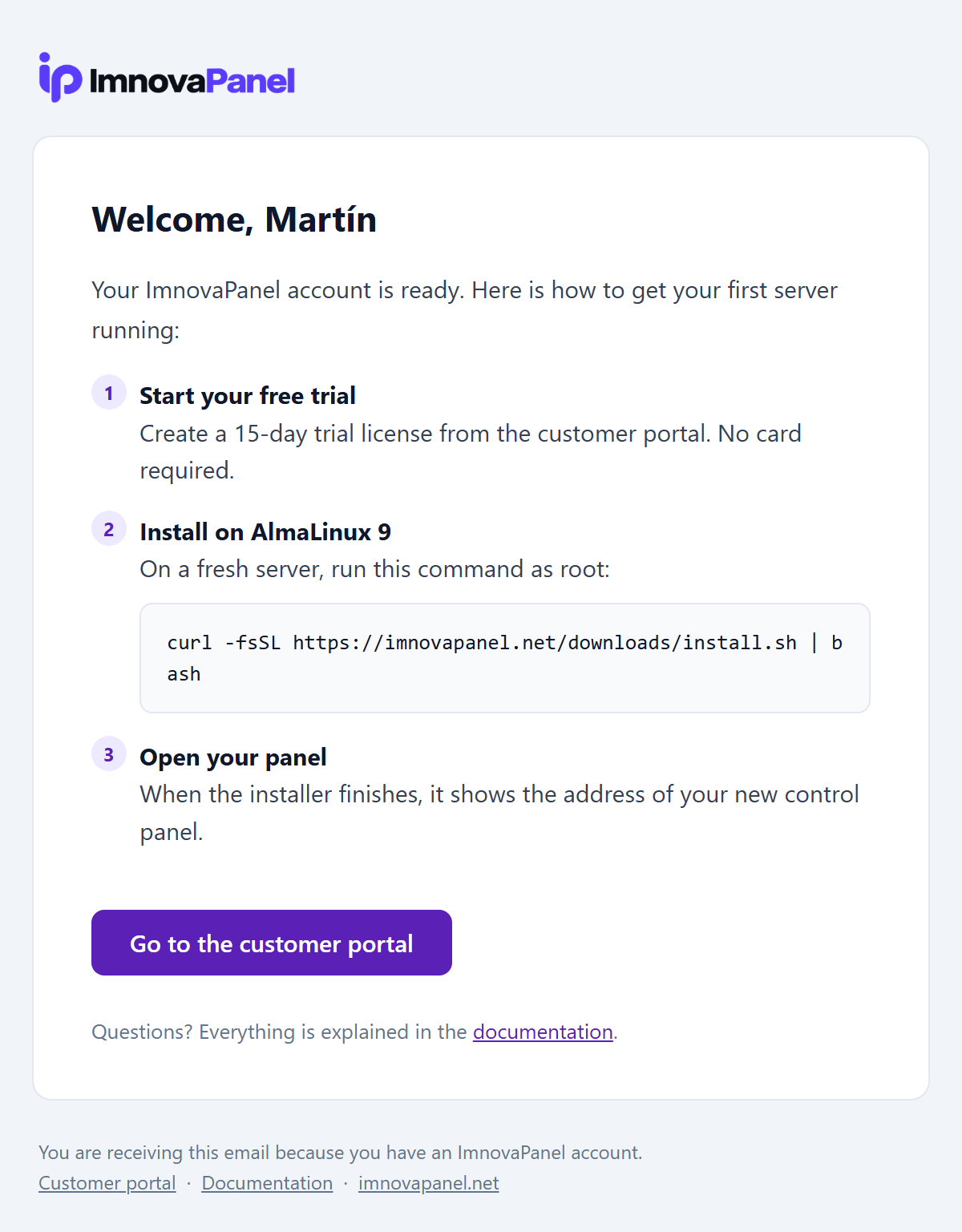
| Confirma su email o se registra with Google | Welcome to ImnovaPanel | The 3 pasos for empezar y the comando de installation |
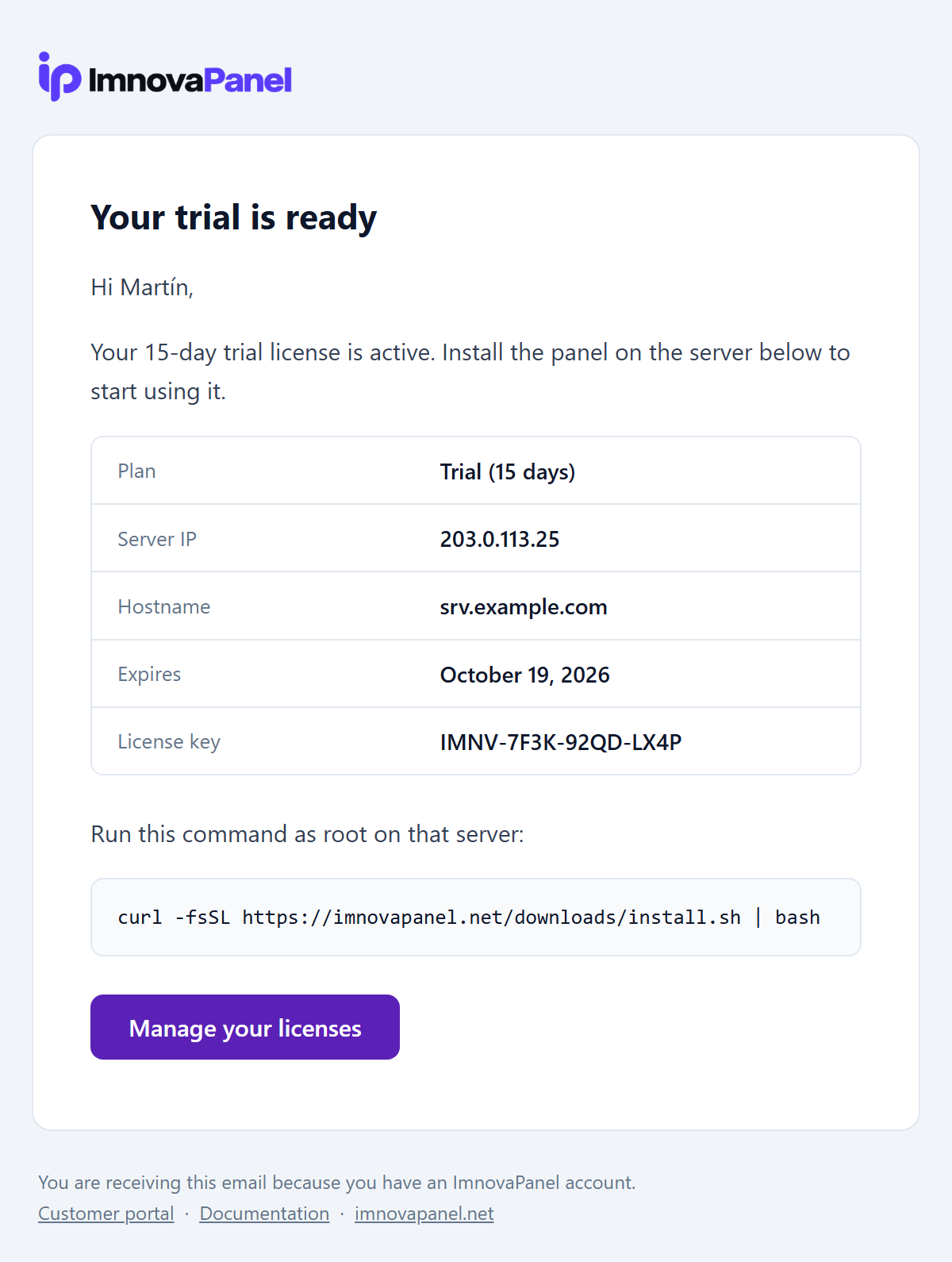
| Creates the license de prueba | Your ImnovaPanel trial is ready | License key, IP, hostname, expiration date, and install command |
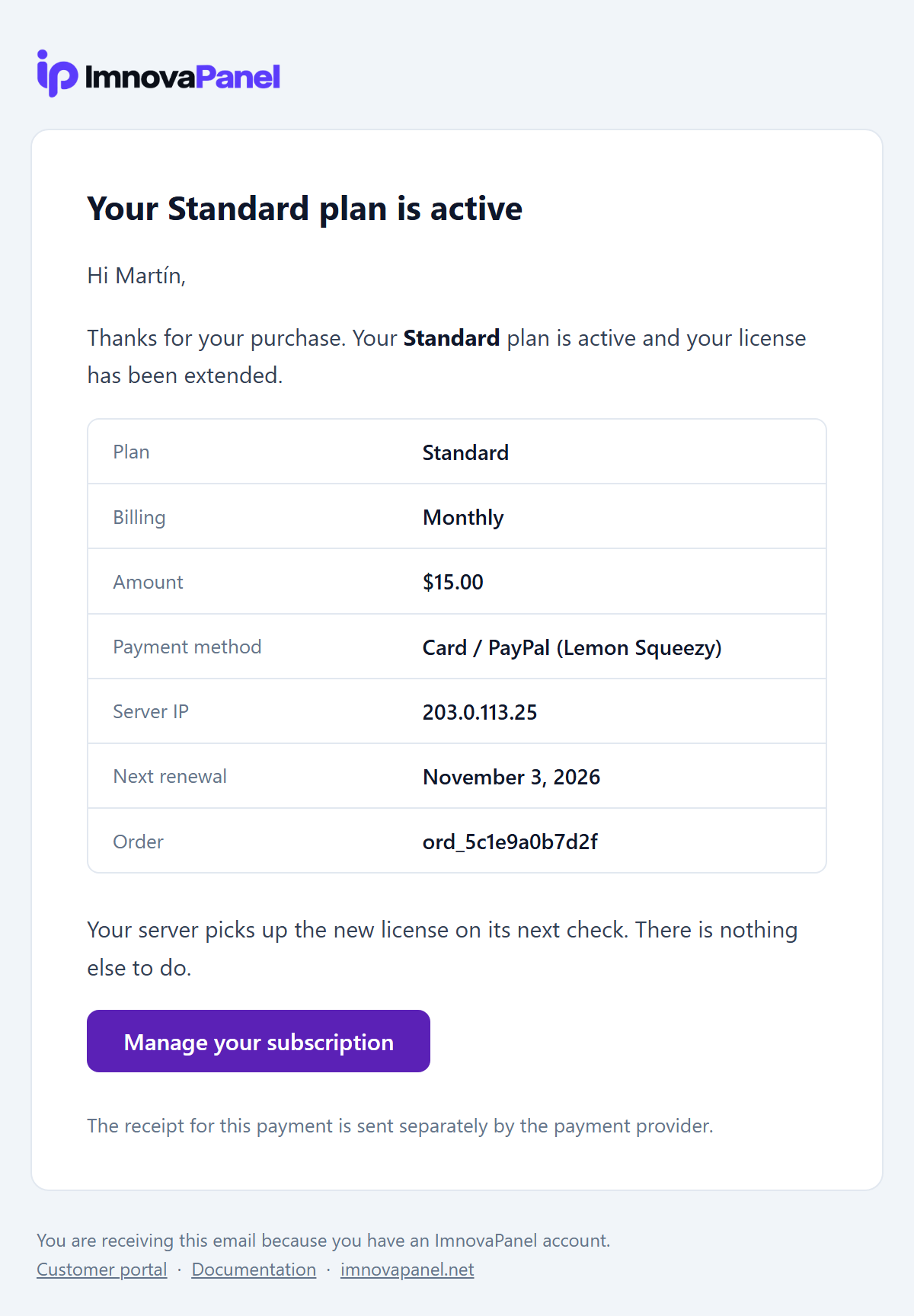
| Paga a plan by primera vez | Your ImnovaPanel Standard plan is active | Plan, billing cycle, amount, payment method, IP, and next renewal date |
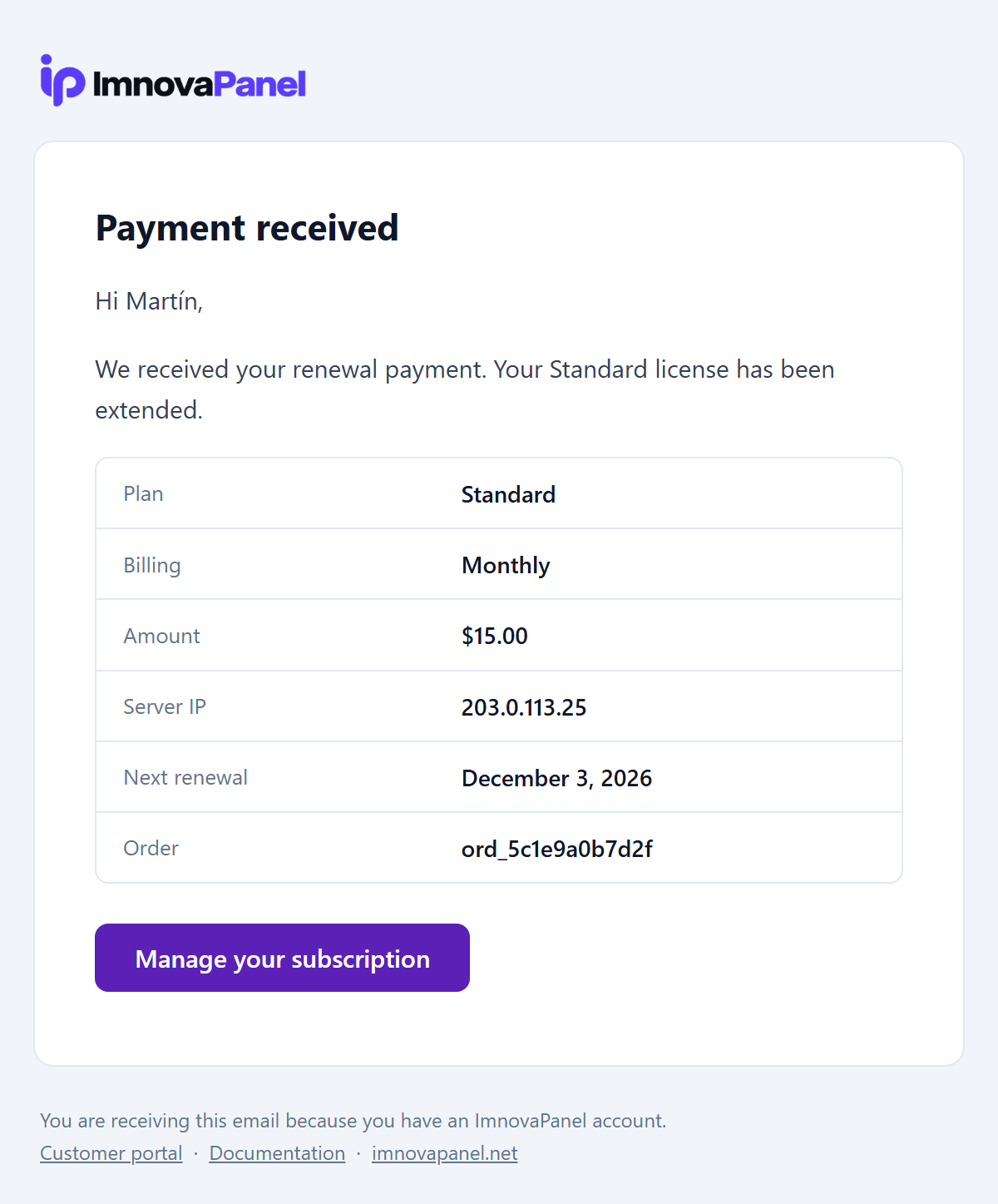
| Renewal payment processed | Payment received: ImnovaPanel Standard | Amount, plan, and updated renewal date |
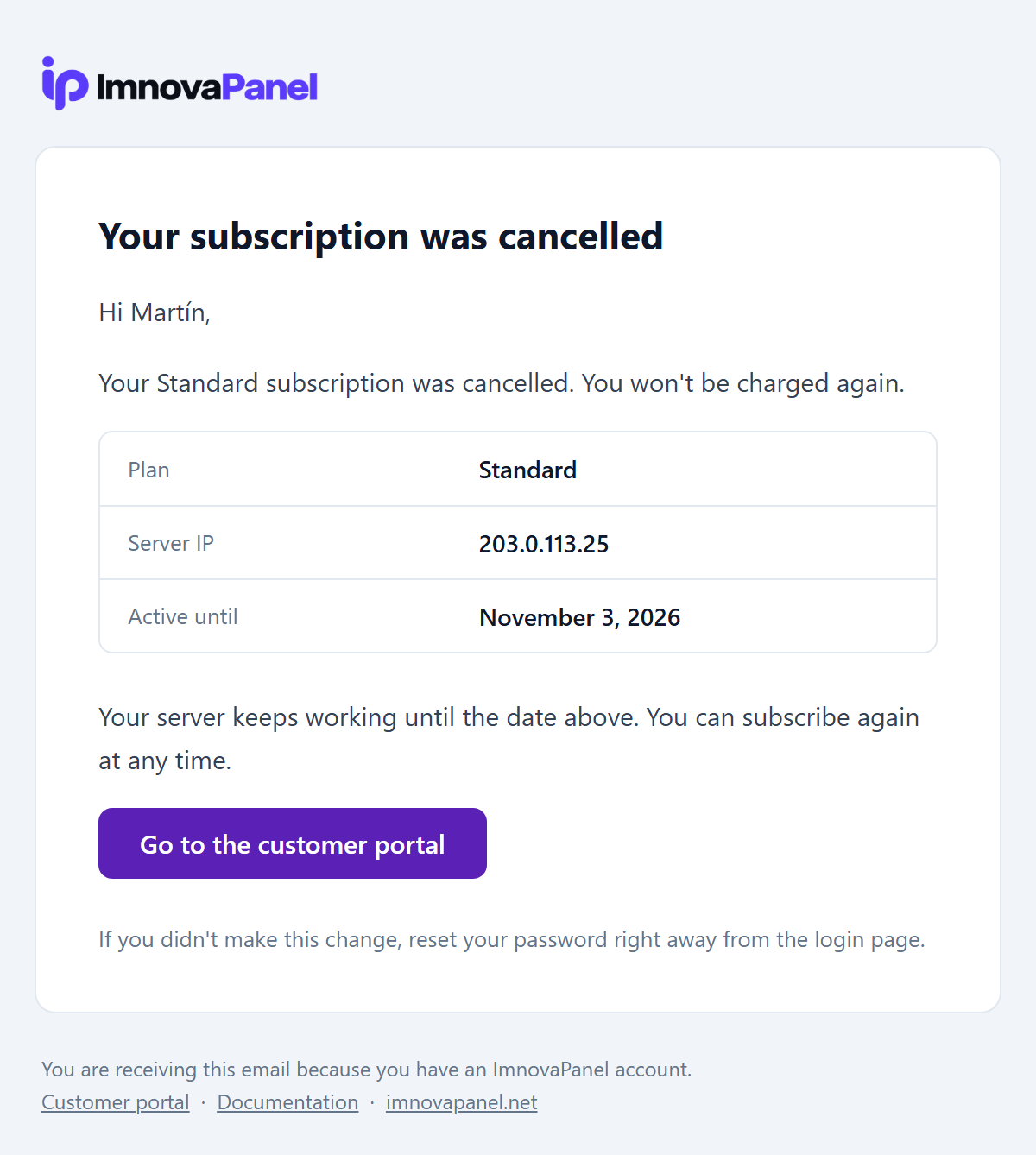
| Cancela the suscripción | Your ImnovaPanel subscription was cancelled | Hasta qué fecha sigue funcionando the server |
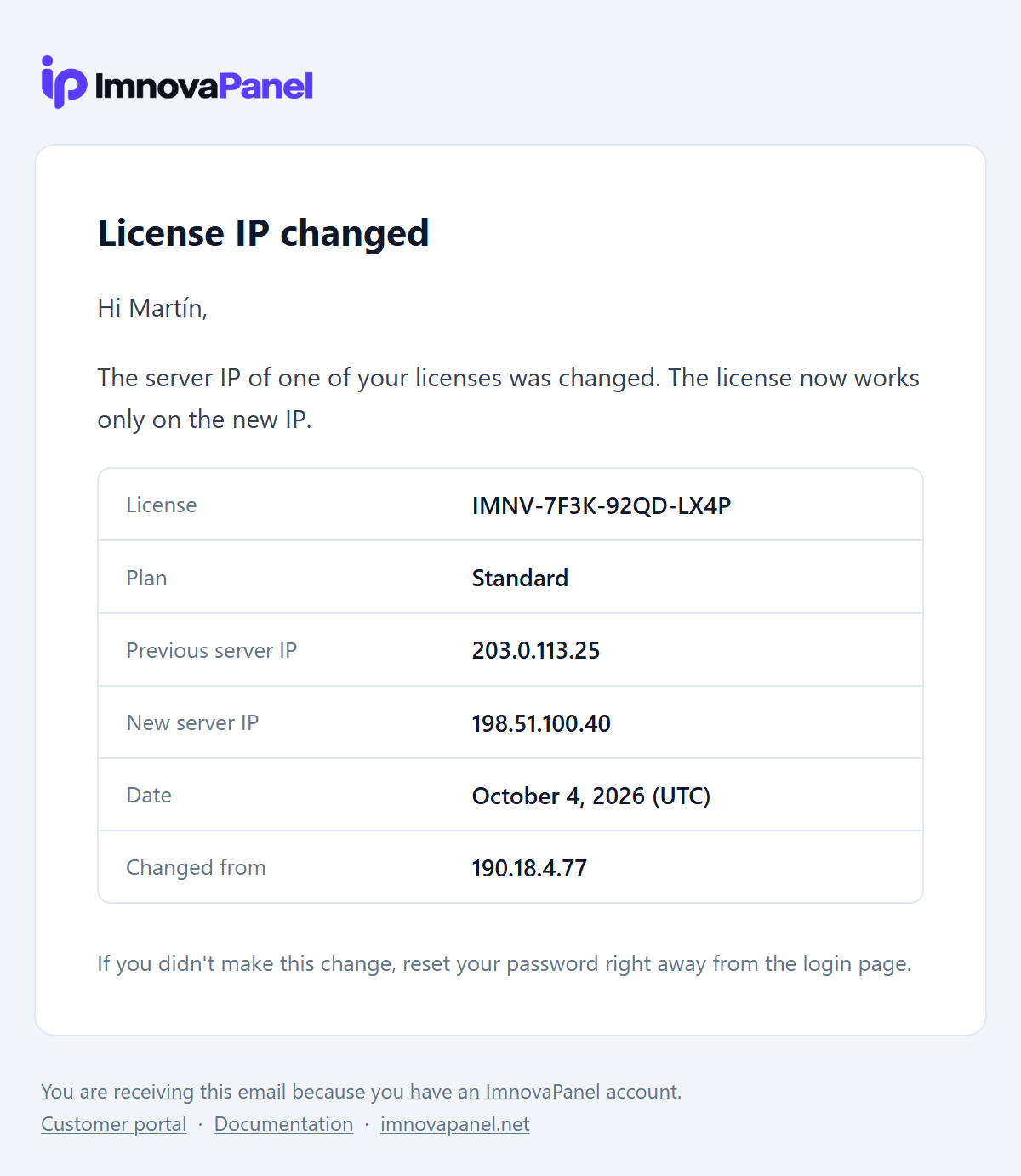
| Changes the IP of a license | The server IP of your ImnovaPanel license was changed | IP anterior, IP nueva, fecha e IP desde the que se hizo the cambio |
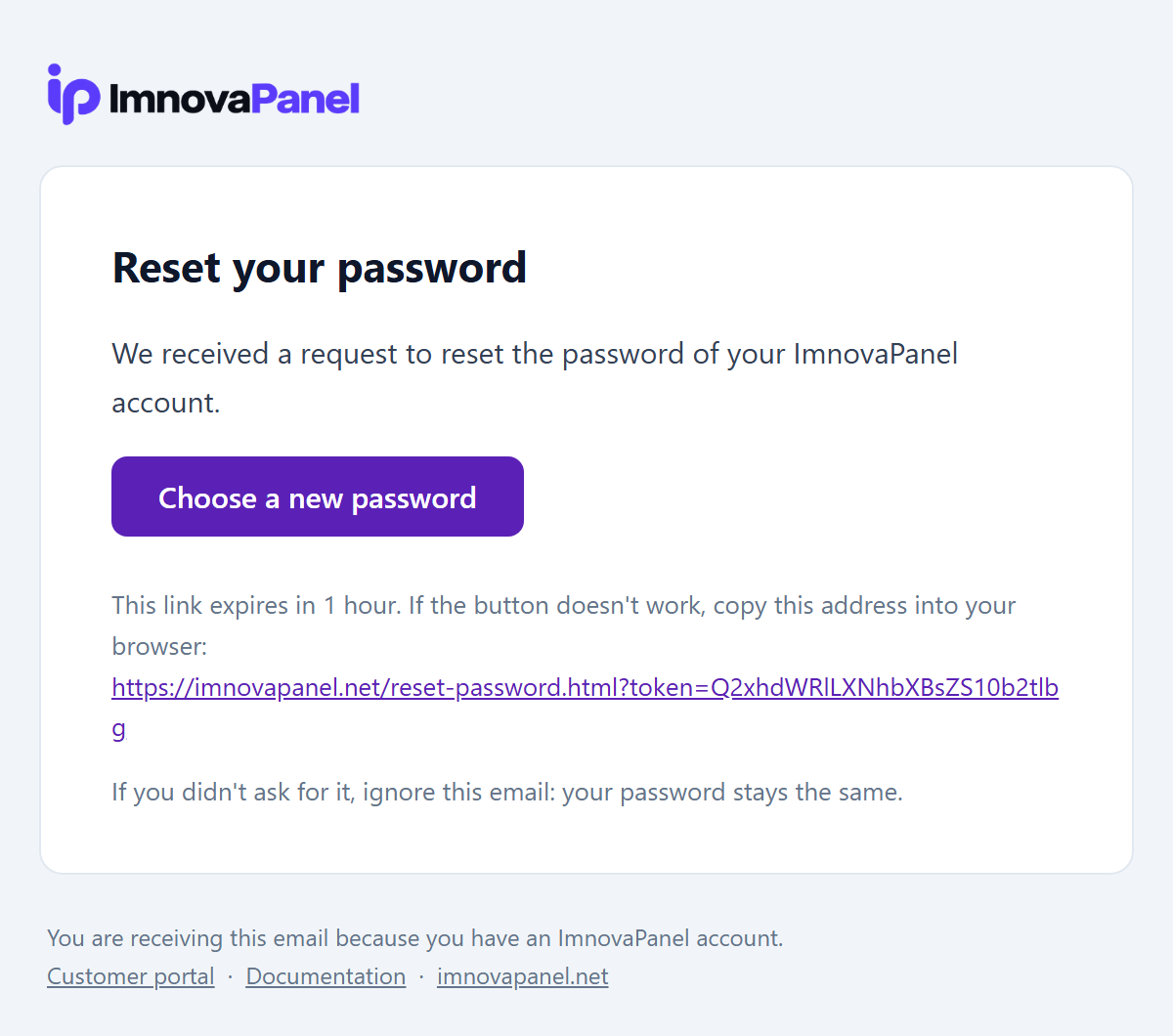
| Pide recuperar the password | Reset your ImnovaPanel password | button for elegir a password nueva (vence en 1 hora) |
| Changes the password | Your ImnovaPanel password was changed | Fecha e IP of the cambio, with aviso by si no fue the titular |
Cómo se ven
Capturas de each email with datos de ejemplo. Haz clic in a imagen for verla en tamaño completo.
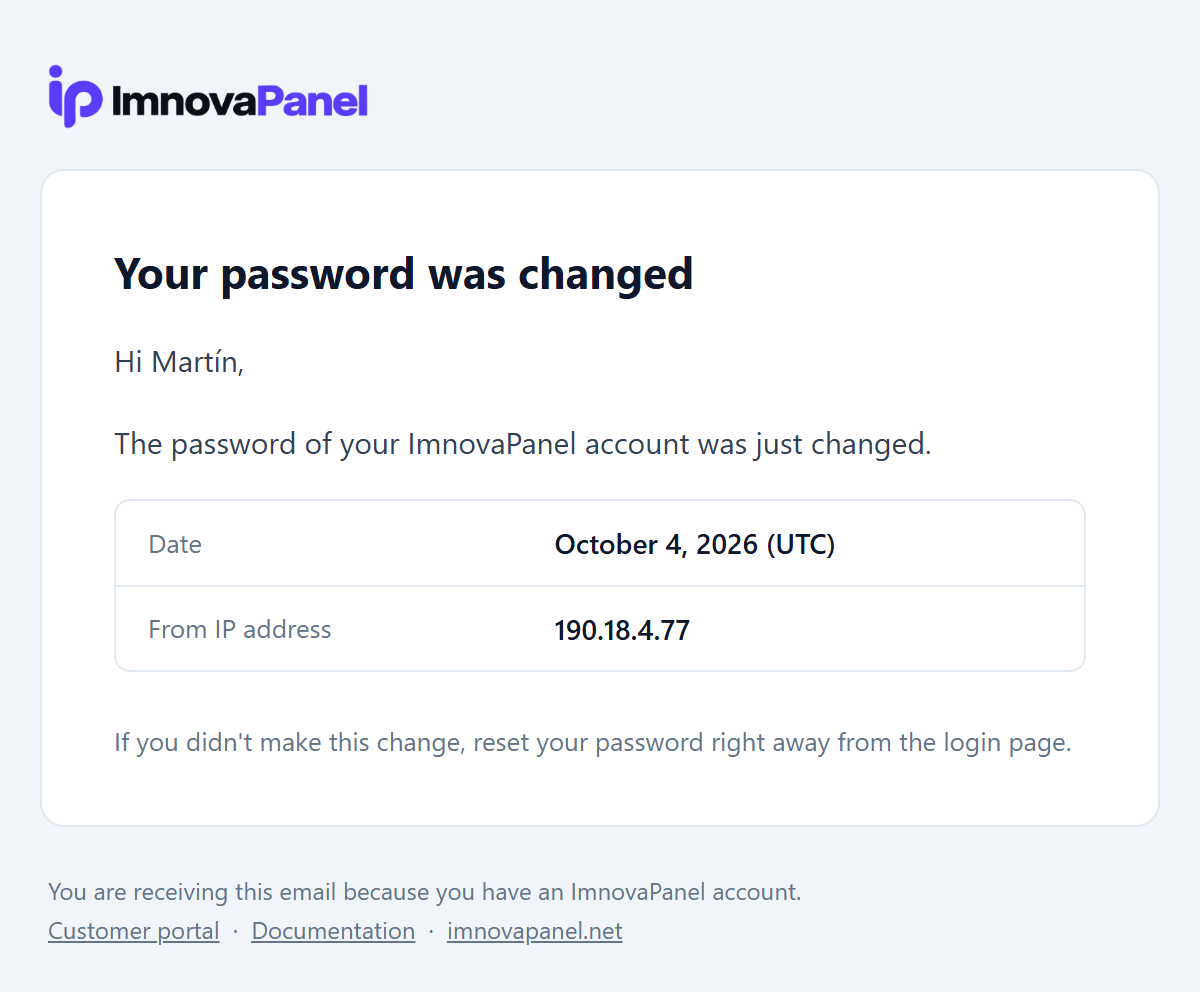
Details
- Dos versions en each email:a with diseño (HTML) y otra de only texto, for the programas de email que no muestran diseño.
- Diseño for cualquier pantalla:se arma with tables y estilos en línea, the formato que entienden the programas de email, y se adapta to the celular.
- Avisos de security:the cambios de password y de IP de license informan the fecha y the IP desde the que se hicieron, so that the client detecte accesos que no reconoce.
- No interrumpen to the client:the avisos are sent en segundo plano. Si a envío falla, the action of the client se completa igual y the error queda registrado.
- Listos for otros idiomas:all textos están in a único file of the portal, for poder traducirlos.
Purchase, renewal, and cancellation emails are dispatched when the payment gateway confirms the transaction, not when the client clicks the pay button.
Accounts & Plans
Create, modify, suspender y delete accounts de hosting, y definir planes (packages) with limits de disco, email y recursos.
Ahosting accountes a user Linux aislado with su propio directorio/home/usuario, sus domains, email, databases, FTP, cron jobs / scheduled tasks y aplicaciones. each account uses aplan(package) que define sus limits.
Create an account
En List Accounts (Accounts), pulsa Create new account(Create nueva account) y completa:
| Campo | Description |
|---|---|
| Main domain | Domain of the account, for examplemiempresa.com |
| User | Nombre of the user Linux. only minúsculas, números y guiones |
| Password | Password for client panel and primary FTP/SSH access (minimum 8 characters) |
| Email de contacto | Email of the client |
| Plan | Package que define the limits |
Al create the account, ImnovaPanel:
- creates the user Linux,
/home/usuarioypublic_htmlwith the permisos correctos (incluido the contexto SELinux), - creates the DNS zone of the domain,
- genera the vhosts de Nginx y Apache y the pool PHP-FPM,
- aplica the limits of the plan (quota de disco, recursos y email per hour),
- registra the evento in the auditoría y en
/var/log/iserverpanel-accounting.log.
The SSL certificate of the domain se emite after, when the DNS apunta to the server. VerSSL.
Manage accounts
The lista de accounts tiene buscador, paginación y selección múltiple. for each account you can:
| Action | Qué does |
|---|---|
| Panel | Opens the panel of the client como ese user, without conocer su password. A button allows volver to the administrator |
| Temporary URL | Genera a URL temporal for ver the website before apuntar the DNS |
| Modify plan | Changes the package y vuelve a aplicar sus limits |
| Password | Restablece the password principal of the account |
| Change domain | Changes the domain principal |
| Email/hora | Define a limit propio de envíos per hour for the account |
| Suspender / Activer | Suspende o reactiva the account completa |
| Delete | Deletes the account y all sus recursos |
The usage column displays consumed disk space and bandwidth. When an account nears or exceeds a limit, an overage warning appears.
Suspender an account
Suspension disables client panel access and account services. Unsuspending restores all permissions. Data is never deleted or modified.
Delete an account
The eliminación borra the user Linux, sus files, DNS zones, vhosts, pools PHP-FPM, mailboxes, accounts FTP y databases registradas in the panel.
The eliminación es definitiva. before delete an account importante, genera abackup. The eliminación masiva de accounts seleccionadas pide confirmación, pero no hay papelera.
Si alguna carpeta está en uso durante the borrado, the panel reintenta, informa the advertencia y the deja marcada como pendiente de limpieza (*.iserverpanel-delete-pending-*).
Planes (packages)
En Add/Edit Packages(Plans) configure resource limits inherited by accounts:
| Limit | Description |
|---|---|
| Disco | Cuota de disco of the account |
| Ancho de banda | Transferencia mensual asignada |
| Accounts de email | Máximo de mailboxes |
| Databases | Máximo de bases MariaDB |
| Accounts FTP | Máximo de users FTP adicionales |
| Subdomains | Máximo de subdomains |
| SSH | grants or restricts SSH shell access |
| IP dedicada | Asigna an IP propia to the account |
| CGI | allows scripts CGI |
| Version de PHP | Version default of the domains nuevos |
| Email per hour | Límite de envíos per hour |
| Lista de características | Qué secciones ve the client en su panel |
| Tema | Tema visual of the panel of the client |
Cómo are applied the limits
- Disco:is applied a quota real of the sistema (
setquotaoxfs_quota, according to the sistema de files). The limit blando está to the 95 % y the duro to the 100 %: to the llegar to the 100 % no se can escribir más in the account. - Email with disco excedido:if an account exceeds its disk quota, Exim halts authenticated outgoing email and incoming mail reception for its domains until space is freed. Quota metrics refresh every 2 minutes, even if filled via FTP or SSH.
- Resources:RAM, CPU, IO, IOPS y cantidad de processes se limitan by user with systemd/cgroups v2. VerResource Limits (cgroups v2).
- Email per hour:se toma the valor of the account; si no tiene, the of the plan; si the plan no lo define, the policy global de Exim.
Al editar a plan, all accounts que lo use reciben the nuevos limits. Al change the plan of an account, se vuelven a aplicar.
The limits de recursos by cgroups no equivalen a CloudLinux LVE. Protegen the server de abusos comunes, pero no ofrecen the mismo nivel de aislamiento.
Listas de características
En the pestañaFeature Manager(Feature Manager) in hosting plans defines which tabs the client can access: domains, email, databases, FTP, applications, cron jobs, DNS zones, File Manager, security, terminal, webmail, and phpMyAdmin. Assign a feature list to each plan.
Cuotas
Manage Quotas(Quota Management) displays and adjusts live disk quotas for each account. For quotas to operate, the filesystem at/homemust have quotas habilitadas. XFS es the sistema recomendado.
Record de accounts
The eventos of the ciclo de vida of the accounts (create, delete, suspender, reactivar, change domain, backups y restauraciones) quedan en:
/var/log/iserverpanel-accounting.logIt is a plain-text log, suitable for terminal inspection or forwarding to a central logging aggregator.
Resellers
How the system works de resellers de ImnovaPanel, qué can hacer each rol y cómo are applied the limits.
ImnovaPanel tiene tres roles aislados:
| Role | Alcance |
|---|---|
Administrator (root) |
Entire server: services, firewall, reseller plans, resellers, and account ownership |
| Reseller | Only hosting accounts that belong to them |
| Cliente | only su propia account y sus services |
The reseller system is an initial commercial-ready release. White-label reseller branding, dedicated nameservers per reseller, billing integrations, sub-resellers, and delegated API tokens are on the development roadmap.
Cómo entra a reseller
The reseller inicia sesión in theadministration portal (:2087) with su propio user Linux y password. ImnovaPanel detecta que es reseller y abre theModo: Reseller. Nunca recibe privilegios de administrator of the server.
Qué can hacer a reseller
- Ver su plan de reseller y the uso in real time.
- Create, editar, suspender, reactivar y delete the accounts que le pertenecen.
- Create planes for sus clients, si su plan lo allows.
- Use the planes globales, si su plan lo allows.
- Entrar to the panel of a client propio y volver a su sesión.
- Manage domains, DNS, SSL, email, databases, FTP, files, cron jobs, and Node.js/Python applications for their accounts.
- Desplegar aplicaciones desde ZIP/RAR/TAR in the domains de sus clients.
Límites que are applied
The backend aplica these limits aunque the reseller llame to the API directamente:
- Cantidad máxima de accounts.
- Bolsas de disco y ancho de banda asignadas.
- Límites de domains, mailboxes, databases, accounts FTP y aplicaciones.
- Permisos for create planes, use planes globales, editar DNS y habilitar SSH.
- Política de overselling (overselling).
Aislamiento
- Each hosting account tiene apropietario persistente:
rooto the user of the reseller. - The recursos relacionados (email, bases, domains) se autorizan a través of the account propietaria.
- Lists are filtered before exiting the API, and system-modifying actions re-verify ownership.
- The services of the server, processes, red, firewall, logs, policy global de email, configuration de PHP y of the server, license y administration de resellers quedan reservados to the administrator.
- The auditoría que ve a reseller contains only sus propias actions.
- only the administrator can change the propietario of an account.
Configure a reseller
- En Reseller Center, creates aplan de resellerwith sus limits.
- Creates a reseller nuevo o promueve a user existente y asígnale the plan.
- Si corresponde, reasigna accounts existentes to the reseller. The panel validates que entren en su capacidad.
- The reseller entra by the administration portal with sus credenciales Linux.
Domains & DNS
Domains, subdomains, alias y DNS zones with BIND. Nameservers propios, records / logs y domains que apuntan to the server without estar configurados.
Account domains
each account tiene adomain principaly can agregar:
- Subdomains (
tienda.miempresa.com), with su propio DocumentRoot. - Alias de domain: otros domains que muestran the mismo website.
The client manages it fromDomains & SSL certificates(Domains y SSL) y the administrator desde the account correspondiente. all domains of the tables of the panel abrenhttps://dominioin a pestaña nueva.
Cómo se sirven the subdomains
- each subdomain tiene a vhost with su propio
server_name. No heredawwwni redirige to the domain principal. - Subdomain content is also accessible at
https://dominio.com/subdominio/. - AutoSSL validates only the host real of the subdomain (no fuerza
www.subdominio).
Domains que apuntan to the server without estar configurados
Si a domain apunta to the IP of the server pero no existe en ninguna account, Nginx responde with a websiteneutralmanaged by the panel. Thus, an unconfigured domain never serves content from another client. This vhost preserves the path/.well-known/acme-challenge/for poder emitir certificados.
DNS Zones
ImnovaPanel usesBINDas an authoritative DNS server. Each domain created in the panel receives its zone file in/var/named/.
- Administrator: DNS Zone Manager(DNS Zones) lists and edits all managed DNS zones.
- Cliente: DNS Zone Editor(DNS Zone) edits only the DNS zones of their assigned domains.
Types de record / log admitidos:A, AAAA, CNAME, MX, TXT y NS.
before recargar BIND, the panel validates the configuration withnamed-checkzone y named-checkconf. Si the validation falla, no aplica the cambio.
The panel only displays zones it manages: account domains, subdomains, and zones forparking. Zone files added manually in/var/namedno aparecen in the lista.
Use the server como DNS de tus domains
for que the server responda the consultas DNS of the domains alojados:
- Creates nameservers in the zone of your primary domain, for example
ns1.tudominio.comyns2.tudominio.com, pointing to the IP of the server. - En the registrador de
tudominio.com, registra esos nameservers como glue records(hosts personalizados) with the IP of the server. - En the registrador de each domain de client, changes the nameservers a
ns1.tudominio.comyns2.tudominio.com.
If you prefer using third-party DNS (Cloudflare, your registrar), do not alter nameservers: configure equivalent A, MX, and TXT records at that provider mirroring the panel DNS zone.
Records de email
Each domain zone includes the email DNS records managed by the panel:mail (A), MX, SPF, DMARC (_dmarc) y DKIM (default._domainkey). Si alguno falta o está mal, usesReparar DNS en Email Deliverability. Ver Email.
Domains en backups
The DNS zone se includessiemprein the backups de account, for que a restoration recupere web, email y DNS without reconstrucción manual.
SSL Certificates
Let's Encrypt certificates for panel hostname, domains, subdomains, and mail servers.
ImnovaPanel emite y renueva certificados gratuitos de Let's Encryptwith Certbot. No uses certificados de otro domain como sustituto: si a domain no tiene certificado propio, only se sirve by HTTP hasta emitirlo.
Certificado of the hostname
Protects panel ports (2087, 2083, and 2096) and server identity. Issued from Change Hostname. Ver First Access.
Desde the consola:
iapanel ssl-hostnameAutoSSL for domains y subdomains
Desde Domains & SSL certificates, the client o the administrator emiten the certificado de each domain. The panel:
- Verify that the recordAof the domain apunte to the IP of the server.
- Comprueba localmente que the ruta
/.well-known/acme-challenge/responde a través de Nginx. - Emite the certificado bywebrootwith Certbot.
- Lo aplica a Nginx y Apache y marca the domain como
issued.
Si the DNS todavía no apunta to the server, the panel devuelve an error explícito y no intenta the emisión. Vuelve a intentarlo when the DNS haya propagado.
a domain only recibe configuration HTTPS when tiene su propio certificado en/etc/letsencrypt/live/<dominio>/. Esto evita que the visitantes vean errores de certificado by a nombre que no coincide.
Certificados de email
for que the programas de email y the aplicaciones que envían by SMTP validen the certificado, ImnovaPanel intenta emitir a certificado formail.<dominio>when ese nombre apunta to the server.
- Dovecot (IMAP/POP3) uses SNI: presenta the certificado de each
mail.<dominio>. - Exim (SMTP) uses a private copy of the SSL certificate in
/etc/exim/ssl/imnovapanel-mail/with permisos for the grupoexim. - Si no can emitirse the certificado de
mail.<dominio>, se uses the of the hostname como alternativa segura.
Configure your email clients and applications with the servermail.tudominio.como with the hostname of the server, nunca with the IP. Así the certificado coincide with the nombre.
Domains alojados in the ports of the panel
Si a domain alojado ya tiene certificado, Nginx publica bloques SNI for quehttps://dominio:2087 y https://dominio:2083presenten the certificado correcto y muestren the login of the panel without error.
Renewal
Let's Encrypt certificates are valid for 90 days. Automatic renewal is handled by the Certbot timer,certbot-renew.timer. Comprueba que esté active:
systemctl status certbot-renew.timerSi aparece como inactive, habilítalo:
systemctl enable --now certbot-renew.timerto test certificate renewal without altering live certificates:
certbot renew --dry-runIf a renewal fails (e.g., domain DNS unpointed), the current certificate continues serving until expiry. For panel hostname SSL, force a repair usingiapanel ssl-hostname.
PHP
Available PHP versions, per-domain selection, extensions, and php.ini configuration.
ImnovaPanel installs PHP from repositories Remiy ejecuta each domain with su propiopool PHP-FPM, with the user of the account.
Versions disponibles
| Version | Status | Recomendación |
|---|---|---|
| PHP 8.5 | Disponible | Validate application compatibility before use |
| PHP 8.4 | Disponible | Recomendada for websites nuevos |
| PHP 8.3 | Disponible | Estable |
| PHP 8.2 | Disponible | Estable |
| PHP 8.1 | Disponible | for aplicaciones que aún no support versions más nuevas |
| PHP 8.0 | Disponible | for proyectos heredados compatibles with PHP 8 |
| PHP 7.4 | Disponible | for aplicaciones y plugins legacy que require PHP 7.4 |
ImnovaPanel installs and manages multiple versions from PHP 7.4 through PHP 8.5 via optimized Remi repositories with isolated PHP-FPM user pools.
Change the version of a domain
The client lo does desde the secciónPHPde su panel, y the administrator desde the account. Al aplicar the cambio:
- The vhost de Apache pasa a use the socket PHP-FPM of the version elegida (
/var/opt/remi/phpXX/run/php-fpm/iserverpanel-usuario.sock). - Se recarga the service y the website queda sirviéndose with the nueva version in the momento.
for comprobar qué version uses a website, creates temporalmente a file with<?php echo PHP_VERSION;y ábrelo in the browser. Bórralo Upon completion.
Configuration by domain
Desde the mismo lugar se ajustan the valores dephp.inide each domain, dentro of the limits of the plan:
memory_limitupload_max_filesizepost_max_size
The panel escribe esos valores en.user.ini y php.iniin the domain DocumentRoot. Preserves unmanaged directives and updates only keys under its control.
Extensiones
| Extensiones | Versions |
|---|---|
| OPcache, cURL, GD, intl, mbstring, MySQL (mysqlnd), XML, Zip | All (7.4 a 8.5) |
| SOAP, Sodium, LDAP, Imagick, Redis | PHP 8.4 y 8.5 |
The pantallaEasyApache 4in the administrator panel displays installed versions and extensions, allowing installation of packages available in repositories.
The matriz de extensiones by version sigue ampliándose. Si necesitas a extensión que no aparece, you can instalarla by SSH withdnf install phpXX-php-<extension>y restartphpXX-php-fpm.
Mantenimiento de pools PHP-FPM
Al delete an account, the panel deshabilita sus pools PHP-FPM. also detecta poolshuérfanos(de users que ya no existen) for que no impidan arrancar PHP-FPM y provoquen errores 503 en otros websites.
The files no se borran: se renombran with the sufijo.disabled-…for poder auditarlos o recuperarlos.
Python
The versions de Python for aplicaciones also se administran desdeEasyApache 4. The panel displays available versions in active repositories and allows installing them (pythonX.Y, pythonX.Y-pip y pythonX.Y-devel). Ver Applications.
Web Server
Nginx + Apache architecture, caching, compression, ModSecurity, and configuration templates.
Web server architecture
ImnovaPanel utiliza a arquitectura híbrida de alto rendimiento que combina Nginx como proxy inverso frontal y Apache como server de aplicaciones interno:
- Nginx (Frontend en ports 80 y 443):recibe all visitas, gestiona the SSL certificates, sirve contenido estático a alta velocidad y aplica caché y compresión Gzip.
- Apache (Backend en 127.0.0.1):procesa the peticiones dinámicas escuchando only de forma local. Mantiene total compatibilidad with files
.htaccessy rules de reescritura. - PHP-FPM (Aislamiento by account):ejecuta the código PHP creando a pool independiente for each domain, corriendo with the permisos of the user of the account.
- Theaplicaciones Node.js y Pythontienen su propio process supervisado y Nginx les does de proxy inverso directo. VerApplications.
No desinstales ni detengas Nginx: es the punto de entrada de all websites y of the ports of the panel.
Nginx Web Server
The pantallaNginx Web Serverin the administrator panel configures the proxy:
- Nginx cache (zone in
/var/cache/nginx/iserverpanel), - compresión Gzip,
- limits de tamaño de subida,
- redirección a HTTPS,
- soporte de WebSockets for aplicaciones.
before aplicar cualquier cambio, the panel validates the configuration withnginx -t. If an error occurs, it skips service reload and displays detailed logs.
ModSecurity
ModSecurity Configurationdisplays WAF status, OWASP CRS rules, custom rules, and disabled rules.
The rules CRS no se editan directamente. for excepciones, agrega rules propias o deshabilita rules concretas desde the pantalla; así the updates de CRS no pisan tus cambios.
Templates de configuration
Configuration Templates(Templates Config) edita y restaura the plantillas que uses the panel for generar vhosts y configurations. The cambios apply to the domains nuevos y when se regenera the configuration de uno existente.
Permisos of the websites
Al create accounts, domains y subdomains, the panel aplica:
chown usuario:usuarioabout the directorios of the account,711en/home/usuarioy755enpublic_htmly the DocumentRoot,- the booleano de SELinux
httpd_enable_homedirsyrestoreconaboutpublic_html.
Si a website devuelve403 Forbiddenafter subir files, usesReparar permisosin the administrator de files. VerClient Panel.
Services, Processes & Terminal
Controlar the services of the sistema, ver processes, consultar logs y use the terminal web of the administrator.
Dashboard
The administrator dashboard displays real server metrics, updated periodically:
- server load average (1, 5, and 15 minutes) with recent history,
- uso de CPU, memoria y disco,
- cantidad de accounts,
- status of core services with start, stop, and restart actions.
Services of the sistema
OS Services(Services of the OS) Displays the status of systemd y allows iniciar, detener y restart:
| Service | Unidad |
|---|---|
| Apache | httpd |
| Nginx | nginx |
| PHP-FPM | php-fpm y php81-php-fpm … php85-php-fpm |
| MariaDB | mariadb |
| Exim | exim |
| Dovecot | dovecot |
| BIND | named |
| CSF / LFD | csf, lfd |
| Panel | iserverpanel |
| Agente privilegiado | imnovapanel-agent |
Detener Nginx, Exim o named deja without service a all websites, to the email o to the DNS of the accounts. Usesrestart en lugar de Detener siempre que sea posible.
Process Manager
Process Manager(Processes) lista the processes reales of the server. Se can ordenar by PID, user, CPU, memoria o comando, y finalizar a process concreto.
Finalizar processes of the sistema can dejar services caídos. Úsalo for processes de accounts que se quedaron colgados o consumen recursos de más.
Logs
- System Logs(Logs de consola): consulta the records / logs de Exim, Dovecot, Apache (
httpd),error_log,panic,messagesy of the propio panel. - Centralized Logs(Logs centralizados): búsqueda about the records / logs reales of the server.
Records propios de ImnovaPanel:
| File | Contents |
|---|---|
/var/log/iserverpanel-accounting.log |
Ciclo de vida of the accounts |
/var/log/iserverpanel-restore.log |
Restauraciones de backups |
/var/log/iserverpanel/ |
Logs of the panel |
journalctl -u iserverpanel |
Service of the panel |
Terminal web
Terminalabre a consola real (PTY) in the browser.
| Role | Sesión |
|---|---|
| Administrator | Shell de root en /root |
| Cliente | Shell with the user de su account, en su directorio, without privilegios de administrator |
each sesión de terminal queda registrada in the auditoría with user, rol, IP y fecha.
by security, the navegador no envía the sesión of the panel in the dirección of the terminal: pide primero aticket of a only usoque caduca to the 30 segundos. Si the sesión expiró o falta the segundo factor, the terminal no se abre.
Server Health Check
Server Health CheckCheck / Review DNS, SSL, services, email y colas, y señala problemas. The actions que modifican the sistema piden confirmación. for a diagnóstico completo desde SSH usesiapanel doctor. Ver CLI.
Server Email
Configuration de Exim, Dovecot, OpenDKIM y SpamAssassin from the panel de administration, limits de envío, cola y quotas de mailboxes.
ImnovaPanel email uses Exim (SMTP), Dovecot (IMAP y POP3), OpenDKIM (firma DKIM), SpamAssassin (antispam) y Roundcube(webmail). This página cubre the administration global. for mailboxes, reenviadores y entregabilidad de each domain, verEmail.
Exim Configuration Manager
Desde Exim Configuration Managerthe administrator gestiona:
- limit global de envíos per hour,
- máximo de fallos permitidos,
- cola de email: ver, buscar, reintentar y limpiar mensajes congelados,
- status for Exim, Dovecot, and SpamAssassin,
- cantidad de mailboxes que superan su quota.
Límite de envíos per hour
The limit efectivo de each account se decide en this orden:
- the limit propio of the account (Email/horain the lista de accounts),
- the limit of su plan,
- the policy global de Exim.
Cuotas de mailboxes
ImnovaPanel mide the uso real de each mailbox en/var/vmail/<dominio>/<usuario>each 2 minutos. when a mailbox supera su quota:
- Exim rechaza the recepciónwith
550 Mailbox unavailable: mailbox quota exceeded. - Exim rechaza the envío autenticadodesde ese mailbox.
The client sees the statusOK o Excedidode each casilla enEmail Accounts.
Además, si thehosting accountsupera su quota de disco, se bloquea the envío y the recepción de all sus domains hasta liberar espacio. VerAccounts & Plans.
DKIM
each domain receives a DKIM key with selectordefault. The panel:
- guarda the claves privadas en
/etc/exim/dkim/<dominio>/default.private(root:exim, modo640), - mantiene the table
/etc/exim/dkim/keypathswith the domains autorizados a firmar, - publishes the public key in the DNS zone as
default._domainkey.
to verify the DKIM key of a domain:
opendkim-testkey -d tudominio.com -s default -vvvThe resultado must terminar enkey OK. The avisokey not secureonly indica que the domain no uses DNSSEC.
SpamAssassin
SpamAssassin Antispamconfigures global and per-domain rules. Domain rules can never override global policy with looser constraints. SpamAssassin listens only on127.0.0.1.
TLS de SMTP e IMAP
The panel busca certificados válidos formail.<dominio>y for the hostname, y the aplica a Exim y Dovecot. before recargar Exim validates the configuration withexim -bV. Ver SSL.
Identidad of the email of the sistema
The mensajes que genera the propio server (cron, rebotes, alertas deroot) salen with thedomain baseof the hostname. by ejemplo, with the hostnamesrv.tudominio.comse usestudominio.com.
for que ese email llegue bien, publica in the DNS autoritativo detudominio.comsus records / logs SPF, DKIM y DMARC.
Comprobaciones útiles
# Cómo se entregaría un correo a una dirección
exim -bt contacto@tudominio.com

# Validar la configuración de Exim
exim -bV

# Probar la autenticación de un buzón en Dovecot
doveadm auth test usuario@tudominio.com

# Cantidad de mensajes en cola
exim -bpcMariaDB
Global MariaDB configuration from the administration panel: performance, updates, and per-database backups.
MariaDB escucha only on 127.0.0.1: the databases no son accesibles desde internet. The aplicaciones of the accounts se conectan alocalhost.
for the gestión de bases y users de each account, verDatabases.
MySQL/MariaDB Configuration
The pantallaMySQL/MariaDB Configuration (my.cnf)ajusta the parámetros principales:
| Parameter | What it does |
|---|---|
max_connections |
Conexiones simultáneas máximas |
innodb_buffer_pool_size |
Memoria for datos e índices InnoDB. Es the ajuste que más influye in the rendimiento |
table_open_cache |
Tablas abiertas en caché |
tmp_table_size |
Size of the tables temporales en memoria |
| Slow query log | Registra consultas lentas for analizarlas |
The valores are saved in/etc/my.cnf.d/99-iserverpanel.cnf. Local-only access configuration is located in/etc/my.cnf.d/99-iserverpanel-local.cnf.
Como referencia, innodb_buffer_pool_sizesuele fijarse entre the 25 % y the 40 % of the RAM in a server de hosting que comparte memoria with PHP, email y antispam.
Updates de MariaDB
The pantallaMySQL/MariaDB ConfigurationDisplays the installed version de MariaDB y si hay a update. The panel the busca each 12 horas; withCheck nowthe buscas to the momento.
Se ofrecen the updatesof the misma serie(for example, de 10.11.15 a 10.11.18): traen correcciones de security y de errores y no cambian the funcionamiento of the aplicaciones. Al pulsarUpdate MariaDB:
- a full backup of all databases is saved in
/var/backups/iserverpanel/mariadb(se conservan the 3 últimas). - MariaDB is updated, restarted, and executed
mariadb-upgrade. - is verified que all bases sigan disponibles.
Websites experience a few seconds of database downtime during restart. If MariaDB fails to initialize cleanly, the panel automatically reverts to the previous version. You can also update via terminal usingiapanel mariadb-update.
Backup of an individual database
From this view you can generate an individual SQL dump. For complete account backups (files, databases, email, and DNS), usebackups nativos.
Access remoto
ImnovaPanel no abre the port 3306. Si necesitas conectarte desde tu computadora, uses a túnel SSH:
ssh -L 3306:127.0.0.1:3306 root@srv.tudominio.comLuego conecta tu client de databases a127.0.0.1:3306.
No abras the port 3306 in the firewall. Desde the version 0.71.294,iapanel doctorinforma como fallo que ese port esté abierto to the público.
Security
CSF Firewall, access protection, Two-Factor Authentication (2FA), audit logging, malware scanning, and hardening recommendations.
ImnovaPanel reduces attack surface and applies controls across multiple layers, though server security also relies on timely updates, strong passwords, and off-site backups.
Access to the panel
Rolees separados
- Theadministration portalonly acepta to the user
root. The resellers entran by the mismo portal with permisos limitados. VerResellers. - Theclientsonly acceden a su account.
- Each sensitive backend action re-verifies user role and resource ownership, even if called directly via the API.
Bloqueo by intentos fallidos
| Parameter | Default Value |
|---|---|
| Intentos permitidos | 5 |
| Ventana de conteo | 30 minutos |
| Duración of the bloqueo | 15 minutos |
The bloqueo applies to the combinación deportal + user + IP. A atacante que falla with a user no bloquea to the demás users legítimos, ni a ese mismo user desde otra IP.
The IP que se registra es thereal of the client, tomada of the proxy Nginx local. The panel no confía en cabecerasX-Forwarded-Forque envíe the navegador, así que no se can falsear for evitar the bloqueo.
Values can be configured inSecurity & Access Control.
Doble factor (2FA)
Códigos TOTP for the administrator. once activado, the segundo factor se exige in the inicio de sesión y also before abrir the terminal web. VerFirst Access.
Sesiones
- The sesiones of the panel duran 12 horas.
- The terminal web usestickets of a only usoque caducan to the 30 segundos. The sesión of the panel nunca aparece en direcciones que puedan quedar in the logs of the proxy.
- phpMyAdmin y the webmail se abren withtokens temporales(10 minutos for phpMyAdmin) que se generan from the panel.
Firewall (CSF/LFD)
The installer configuresConfigServer Security & Firewall(CSF) with LFD, que bloquea IPs tras intentos fallidos en services como SSH o email. Si CSF no is installed, the server queda protegido with firewalld.
Desde ConfigServer Security & Firewall (CSF)you can:
- permitir o bloquear IPs (listas allow y deny, with paginación),
- abrir o cerrar ports TCP.
each cambio guarda/etc/csf/csf.confy recarga CSF withcsf -r.
Abrir a port in the firewall no inicia ningún service. The port only responde si hay a programa escuchando en él.
The ports que uses ImnovaPanel están enPorts & Firewall.
Auditoría
Each administrative action is logged with:
- fecha y hora en UTC,
- user y rol,
- IP real,
- huella of the sesión,
- user que actúa en nombre de otro (when the administrator entra to the panel of a client),
- recurso afectado (método y ruta),
- Action and details.
includes inicios de sesión correctos y fallidos, activaciones de 2FA, sesiones de terminal, cambios de password, accesos a phpMyAdmin y webmail, backups y restauraciones.
The pantallaRolees & Audit Logsestá en desarrollo y no is displayed in this version. Mientras tanto, the record / log can consultarse by SSH:
node -e 'const d=require("/var/lib/iserverpanel/iserverpanel.local.json");for(const l of d.auditLogs.slice(0,30))console.log([l.timestamp||l.date,l.ip,l.user,l.role,l.action,l.resource].join(" | "))'
Análisis de malware (ClamAV)
ClamAV Malware Scanneranaliza the files of the accounts withclamscan. only the administrator can iniciar análisis:
| Alcance | Path |
|---|---|
| all accounts | /home |
| an account | /home/usuario |
| Website | /home/usuario/public_html |
/home/usuario/mail |
|
| Path personalizada | Siempre dentro de /home/usuario |
- The firmas are updated automáticamente with
clamav-freshclam. also se can forzar the update desde the pantalla. - The historial guarda the últimos 200 análisis. each client ve only the resultados de su account.
The análisisinformadetected threats, but does not currently enforce automated quarantine or file deletion. Inspect and remove infected files manually or request the client to clean them.
Agente privilegiado
imnovapanel-agentes a binario en Go que escucha only on a socket Unix local (/run/imnovapanel/agent.sock), without ports de red. Verify identidad of the server y the firma of the license de forma independiente y no acepta comandos arbitrarios. VerArchitecture.
Recomendaciones de endurecimiento
- Active the 2FAof the administrator.
- Uses claves SSHinstead of passwords for SSH access. Panel login authenticates against the system root user, so keep the root password strong and unique, even if password-based SSH is disabled.
- Mantén the panel actualizadowith
iapanel update, MariaDB desde MySQL/MariaDB Configurationy the sistema withdnf update. - Copy backups to an off-site remote location.A backup in the mismo disco no protege ante a falla of the server.
- Check / Review
iapanel doctorperiódicamente.Informa ports inseguros abiertos, permisos incorrectos y services caídos. - No abras ports internos(3306, 2088, 8080, 8443) in the firewall.
- Protege the directorio de backups: contains credenciales internas of the accounts y no must exponerse by FTP ni by web.
Backups & Restore
ImnovaPanel native backups, automated policy, client-initiated backups, download, SHA-256 verification, and restoration.
Formato nativo
ImnovaPanel generates account backups in its native format, usuario-AAAAMMDDhhmmss.ispbackup.tar.gz, acompañados of a file.sha256to verify its integrity.
Each backup contains:
| Contents | File dentro of the backup |
|---|---|
| Metadatos of the account, incluidas the bases y sus users | account.json |
Files of the account (/home/usuario) |
home.tar |
| Email mailboxes | mail.tar |
| Databases MariaDB | mysql/<base>.sql |
| DNS Zones | dns/<dominio>.zone |
The backups nativos contain credenciales internas (for example, the passwords of the users de databases que the panel conoce) for poder restaurarlas. The directorio de backups must pertenecer a root ynuncaexponerse by FTP, by web ni in the administrator de files of a client.
Política automática
En Backup Configuration(Respaldos) the administrator define:
| Option | Default Value |
|---|---|
| Backups automáticos | Desactivados |
| Frecuencia | Diaria |
| Retención | 7 días |
| Destino | /backup |
| Contents | Files, databases, email y DNS |
The backups programados are executed with a temporizador de systemd. Al aplicar the retención, the panel borra the backups vencidos junto with su.sha256.
Destinos:disco local o a montaje NFS. The destino SFTP remoto está in the hoja de ruta.
Enable automated backups after installation: by default they aredesactivados. And sync the backups directory to another server or cloud storage: local disk backups do not protect against complete hardware failure.
Backup manual of an account
The administrator can generar the backup de cualquier account desdeBackup Configurationor from the accounts list. The button reflectsGenerando…until the new file is generated, displaying its filename.
Desde SSH:
/usr/local/sbin/iapanel-backup --scope=account --user=usuarioBackups of the client
En Backup de account, the client elige qué incluir: files, databases, email y configuration. TheDNS zone se includes siempre, for que the restoration deje the domain funcionando.
The client candownloadsus backups y consultar su suma SHA-256. The descargas require a sesión válida: no existen enlaces públicos to the backups.
The restoration de backups está reservada to the administrator.
Verify a backup
cd /backup
sha256sum -c usuario-20260929101500.ispbackup.tar.gz.sha256
Restaurar a backup nativo
En Transfer Tool & Restore, the lista de backups nativos aparece arriba, with buscador by user o file. Al restaurar, the panel:
- Verify suma SHA-256, si existe.
- Recrea the account si fue eliminada.
- Restaura files, DNS zones, databases, users de MariaDB with sus permisos y mailboxes.
- Regenera the vhosts y the pools PHP-FPM.
If restoring over an existing account, the panel creates a pre-restore backup in/var/lib/iserverpanel/pre-native-restore/. Nada de esto queda visible in the administrator de files of the client.
each restoration queda registrada en/var/log/iserverpanel-restore.logy in the record / log de accounts.
Restorations do not purge application-level caches (WordPress, PrestaShop, Symfony, Moodle). If an app serves stale data after restoring, clear its cache from within the application.
Backups de cPanel
The backups de cPanel (cpmove-usuario.tar.gz) se importan desde the misma pantalla ysiempre create an account nueva. Ver Migrations.
Migrations
Import accounts from cPanel backups and transfer accounts between ImnovaPanel servers.
Desde cPanel
ImnovaPanel imports full cPanel account backups (cpmove-usuario.tar.gzo the backup completo que genera cPanel).
Cómo importar
- En the server cPanel de origen, genera abackup completoof the account.
- En ImnovaPanel, abre Transfer Tool & Restorein the panel de administration.
- Sube the file from the browser, o indica su ruta si ya está in the server dentro de
/backup,/backups,/home,/rooto/var/backups. - Inicia the importación. The panel detecta the user y the domain desde the propio backup.
The panel displays two distinct stages: file upload and server-side processing.
Qué se importa
- Files of the website (
public_htmly the resto of the home). - Databases MariaDB y sus datos.
- Users de database y sus permisos, normalizados a
localhost. No se importan privilegios globales (*.*). - Mailboxes de email with sus mensajes.
- DNS Zones.
Política: siempre an account nueva
A backup de cPanelnuncais restored about an account existente. Así se evita mezclar files, bases, emails o prefijos de users distintos. The restoration about an account existente queda reservada to thebackups nativos.
after importar
The passwords of themailboxes de emailno can trasladarse desde cPanel. The mailboxes importados quedan marcados for restablecer su password: hazlo desdeEmail Accountsbefore avisar to the client.
- for abrir phpMyAdmin without password, the base must have su password registrada in the panel. Si a base importada no the tiene, usesResetear password en Databases.
- Review the website with aTemporary URLbefore change the DNS.
- Emite the SSL certificates when the DNS ya apunte to the nuevo server.
The temporales of the importación se procesan en/var/lib/iserverpanel/tmp/y are deleted Upon completion. The record / log completo queda en/var/log/iserverpanel-restore.log.
Entre servers ImnovaPanel
allows mover an account of a server ImnovaPanel a otro without pasar by the formato de cPanel. is executed desde the server dedestino.
Requirements
- Ambos servers with ImnovaPanel instalado.
- Access SSH como root to the server de origen, desde the server de destino.
- The paquete
sshpassin the destino (the instalador lo includes).
Cómo transferir
- En the server de destino, abreTransfer Tool & Restore.
- Indica the host of the server de origen, the port SSH, the user (
root) y su password. - Pulsa Listar accountsy elige the account.
- Pulsa Transferir y restaurar.
The destination server generates a native backup on the source, copies it via SCP, and restores it locally. SSH passwords are used strictly in memory during transfer: the panelno the guarda.
Modo streaming
Si the server de origen no tiene espacio for generar the backup, the transferencia pasa automáticamente a modostreaming: the destino trae by SSH the files, the bases, the DNS zones y the metadatos, arma the backup localmente y lo restaura. En this modo the server dedestinonecesita espacio suficiente for recibir y restaurar the account.
Transfers are processed account by account; file-level granular progress is not displayed. Batch and incremental migrations are planned on the roadmap.
Otros paneles
There are no automated importers for DirectAdmin or Plesk. To migrate from them, create the account in ImnovaPanel, transfer files via FTP/SFTP, and import databases using phpMyAdmin.
Client Panel
Qué can hacer each account desde su panel: domains, files, FTP, cron jobs / scheduled tasks, terminal, PHP, DNS, security y backups.
Each hosting account entra a su panel en https://srv.tudominio.com:2083/ (o /ipanel) with their username and password. They only view and manage their own resources. The secciones disponibles dependen of thelista de características de su plan. Ver Accounts & Plans.
Dashboard
Displays disk and bandwidth usage, total domains, mailboxes, databases, andaccesos rápidosto the secciones habilitadas: domains, email, databases, files, DNS zone, terminal, backups, aplicaciones Node.js/Python y tareas cron.
Domains y SSL
En Domains & SSL certificatesthe client manages their primary domain, subdomains, and aliases, and issues SSL certificates. SeeDomains & DNS y SSL.
when the account tiene a only domain, the formularios lo seleccionan automáticamente.
DNS Zone
DNS Zone Editoredita the records / logs of the domains of the account: A, AAAA, CNAME, MX, TXT y NS.
PHP
Version de PHP y valores dephp.ini (memory_limit, upload_max_filesize, post_max_size) by domain. VerPHP.
Administrator de files
File Managertrabaja about the directorio of the account:
- subir varios files y carpetas completas; the files grandes are sent en partes,
- create carpetas, renombrar y borrar,
- extraer files comprimidos
.zip,.rar,.tar,.tar.gz,.tar.bz2y.tar.xz, - change permisos (
chmod), - Reparar permisos: restablece propietario y permisos of the account si a website devuelve
403 Forbidden.
The comprimidos se validan before extraerse for impedir rutas que salgan of the destino.
Accounts FTP
FTP Accountscreates users FTP with the formatousuario@dominio.com, each uno with su directorio de inicio:
| Path indicada | Access |
|---|---|
/ |
the entire home of the account (/home/usuario) |
/public_html |
only the raíz web |
/public_html/carpeta |
only esa carpeta |
Datos de conexión:
| Parameter | Valor |
|---|---|
| Server | srv.tudominio.como the domain of the account |
| Port | 21 |
| Modo | Pasivo (ports 50000 a 50100) |
| User | usuario@dominio.com |
The user y the password principales of the account also sirven for FTP y, si the plan lo allows, for SSH.
Tareas cron
Cron Jobsprograma comandos que are executed with the user of the account. The rutas must be dentro of the directorio of the account.
*/15 * * * * php /home/usuario/public_html/cron.phpTerminal
Terminalabre a consola real with the user of the account, dentro de su directorio y without privilegios de administrator. each sesión queda registrada in the auditoría.
Security of the account
En Account Securitythe client changes supassword principal. must indicar the password actual y a nueva de to the menos 8 caracteres. The cambio applies tol user Linux, así que afecta to the panel, to the FTP principal y to the SSH.
Does not modify passwords for mailboxes, secondary FTP accounts, or MariaDB users: each is managed in its respective section.
Análisis de malware
Malware Scannerdisplays the security scan results performed by the administrator. Clients cannot trigger manual scans.
Backups
Backup de accountgenera a backup eligiendo the contenido y allows downloading the backups disponibles of the account. VerBackups.
Webmail y phpMyAdmin
Mailboxes, quotas, reenviadores, webmail, configuration de clients de email y entregabilidad (SPF, DKIM, DMARC).
Mailboxes
En Email Accounts(Accounts de email) the client creates mailboxes for sus domains, with password y quota. Desde the misma pantalla:
- Modify: changes the password y the quota.
- Delete: borra the mailbox y su contenido.
- The status column displaysOK o Excedidoaccording to the uso real, medido each 2 minutos.
A mailbox que supera su quota deja de recibir email y no can enviar until space is freed. VerServer Email.
Reenviadores
A forwarder routes incoming messages from one address to another, for examplecontacto@miempresa.com → dueno@gmail.com.
Al crearlo se elige si se keeps a copy in the local mailbox:
| Caso | Comportamiento |
|---|---|
| The address has a mailbox and keeps a local copy | The mensaje se entrega in the mailboxy se reenvía |
| The address has a mailbox and does not keep a local copy | only se reenvía |
| The dirección no tiene mailbox (alias) | only se reenvía |
By default, if the address has a mailbox, a local copy is preserved.
Webmail
Roundcube está disponible en https://srv.tudominio.com:2096/roundcube/ y en /webmail.
From the panel, the Webmail button for each mailbox opens Roundcubewithout pedir the password, with a token temporal. The client only can abrir the mailboxes de su account.
SSO access without password requires the panel to know the mailbox password. Mailboxes created in older versions or imported from cPanel must have their password reset once fromModify.
Configure an email client
for Outlook, Thunderbird, Apple Mail o the email of the móvil:
| Parameter | Valor |
|---|---|
| User | Address completa, for exampleinfo@miempresa.com |
| Server entrante y saliente | mail.miempresa.com |
| IMAP | Port 993, SSL/TLS |
| POP3 | Port 995, SSL/TLS |
| SMTP | Port 465 with SSL/TLS, o 587 with STARTTLS |
| Authentication SMTP | Sí, with the mismo user y password |
Si mail.miempresa.comtodavía no tiene certificado propio, uses the hostname of the server (srv.tudominio.com) como server entrante y saliente for evitar advertencias de certificado.
Entregabilidad
Email Deliverabilitychecks the DNS records that determine whether Gmail, Outlook, and other providers accept email from a domain:
| Record | What it checks |
|---|---|
| MX | Qué server recibe the email of the domain |
| SPF | Qué servers can enviar en nombre of the domain |
| DKIM | The firma criptográfica of the mensajes |
| DMARC | Qué hacer with the mensajes que fallan SPF o DKIM |
| rDNS / PTR | Que the IP of the server resuelva to the hostname |
The client ve only sus domains, alias y subdomains.
Reparar DNS
Reparar DNScreates or fixes the panel-managed records in the domain DNS zone:mail (A), MX, SPF, DMARC (_dmarc) y DKIM (default._domainkey). If the DKIM key is missing, it generates it. Before applying, it validates the zone and reloads BIND, Exim, and OpenDKIM.
- Si tu domain uses aDNS externo(Cloudflare, registrar DNS), repairing updates the server zone but not the external provider. Copy the records to your external DNS provider.
- ThePTRno is configured in the domain: se pide to the proveedor of the VPS.
- Ningún panel can garantizar que the email llegue to the bandeja de entrada. also influyen the reputación of the IP, the contenido, the volumen de envío y the policies of the receptor.
Diagnóstico of a rechazo
If Gmail rejects or marks a message as spam, review its raw headers (Show original en Gmail). Busca spf=, dkim= y dmarc=: the tres must decirpass.
Databases
Create bases MariaDB, users y permisos, restablecer passwords y abrir phpMyAdmin without password.
Create a database
En Databases (MariaDB)the client creates databases. The nombres llevan como prefijo the user of the account (usuario_nombre), así que nunca chocan with the de otra account.
When creating a database, the panel can generate its MariaDB user with a secure password and save credentials for phpMyAdmin SSO.
Users y permisos
- Create user:agrega a user de MariaDB to the account.
- Vincular user to a base: otorga
ALL PRIVILEGESabout esa base. - Resetear password:changes the password of the user of a base y the registra in the panel.
Al delete a database, su user also is deleted si ninguna otra base lo uses.
Datos de conexión for the aplicaciones:
| Parameter | Valor |
|---|---|
| Server | localhost |
| Port | 3306 |
| Base | usuario_nombre |
| User | usuario_nombre |
MariaDB only acepta conexiones locales. for conectarte desde tu computadora, uses a túnel SSH. VerMariaDB.
phpMyAdmin
The buttonphpMyAdminfor each database opens phpMyAdmin directly scoped to that database without a login prompt. Access uses a single-use token expiring after10 minutos.
To work, the panel must know the database user password. If a database was imported or created outside the panel, useResetear passwordonce to enable SSO access.
Importar y exportar
- Importar: desde phpMyAdmin (pestaña Importar) for files pequeños y medianos. for volcados grandes, súbelos with the administrator de files o by FTP e impórtalos by terminal:
mysql -u usuario_nombre -p usuario_nombre < volcado.sql- Exportar: desde phpMyAdmin (pestaña Exportar), o incluyendo the bases in abackup de account.
Node.js & Python Apps
Publicar aplicaciones Node.js, Python y Vite detrás de HTTPS, creándolas a mano o desplegándolas desde a file ZIP, RAR o TAR.
ImnovaPanel ejecuta aplicaciones Node.js y Python como services administrados, each a with su port interno, su log y su proxy inverso desde the domain elegido. Se administran enApps (NodeJS/Python).
Deploy from an archive file
Es the forma más rápida de publicar a proyecto.
1. Select
Pulsa Subir ZIP/RARand choose the domain or subdomain where the app will be published. If the account has a single domain, it is selected automatically.
2. Analizar
Sube the comprimido. The panel loanaliza without desplegarlo y detecta:
- the tipo de proyecto (Node.js o Python),
- the carpeta raíz real, aunque the comprimido tenga a nivel de carpeta extra,
- the file de inicio,
- the files de dependencias.
| Type | Señales que busca |
|---|---|
| Node.js | package.json, server.js, app.js, index.js, src/server.js, dist/server.js |
| Python | requirements.txt, pyproject.toml, Pipfile, app.py, wsgi.py, main.py, passenger_wsgi.py |
Formatos admitidos: .zip, .rar, .tar, .tar.gz, .tgz, .tar.bz2, .tbz2, .tar.xz y .txz.
3. Configure
The panel propone y te deja ajustar:
- nombre of the app,
- version of the runtime, entre the instaladas in the server,
- modo (
productiondefault), - carpeta de destino, dentro de
/home/usuario/apps/, - file de log, en
/home/usuario/logs/, - a port interno libre,
- variables de entorno,
- si are installed the dependencias.
Si the carpeta de destino ya tiene files, the panel lo avisa. you can elegir otra carpeta o marcarSobrescribir destino: reemplaza the carpeta y also the app que ya estuviera registrada en ese domain.
4. Publicar
The panel extracts the project, assigns ownership, and installs dependencies (npm install o pip), creates the systemd service and reverse proxy, and registers the app. Upon completion it checks actual service state: if the app fails to start, it displays the error instead of reporting false success.
Proyectos Vite y React
If the project is a buildable frontend (Vite, React, TypeScript), the panel installs all dependencies and runsnpm run buildy genera a server estático interno que publica the carpetadist.
before compilar repara the permisos de ejecución denode_modules/.bin, for evitar errores comotsc: Permission denied.
Create an app a mano
also you can create the app without comprimido, indicando runtime, version, domain, carpeta, file de inicio, modo, variables, log y port. Es útil when subes the código by FTP o Git by tu account.
Manage an app
for each app you caniniciar, detener, restart, ver su log y eliminarla.
Al delete an app, the panel detiene y desactiva su service, quita the proxy y borra su carpeta, siempre que esté dentro de/home/usuario/apps/.
Buenas prácticas
- The app must escuchar in theportque asigna the panel, leyéndolo of the variable de entorno
PORT, y en127.0.0.1. - Guarda the credenciales envariables de entorno, no in the código.
- Si the app uses database, créala before enDatabasesy pasa the datos by variables.
- Emite theSSL certificateof the domain for publicar the app by HTTPS.
Automated analysis handles the bulk of deployment preparation, but custom projects may require minor adjustments. Apps may need environment variables, database connections, external services, or framework settings.
Versions de Python
Available Python versions for apps depend on packages installed on the server. The administrator can install additional versions fromEasyApache 4. En AlmaLinux 9 suelen estar disponibles Python 3.9, 3.11 y 3.12; Python 3.10 no está in the repositorios oficiales.
Soporte de RAR
for extraer files.rarthe server uses the primera tool disponible entreunrar, bsdtar, 7z y unar. If none are present, the panel attempts automatic installation. If the provider blocks repositories, an error displays indicating missing RAR support.
Updates
How to update ImnovaPanel with iapanel update, step-by-step workflow, automatic rollback mechanics, and reverting to previous versions.
ImnovaPanel updates using the CLI iapanel. each update guarda before a restore point y, si algo falla, vuelve automáticamente to the version anterior.
Check for updates
iapanel update --checkDisplays installed version, latest available version, channel, and package:
Installed version: 0.71.318
Last available: 0.71.329
Channel: stable
Bundle: https://imnovapanel.net/downloads/imnovapanel-0.71.329.tar.gz
Update available.
Update
iapanel updateStarting with 0.71.327, this command also installs available fixed packages for every installed PHP version in response to CVE-2026-109618 and CVE-2026-109619. It validates and restarts only PHP-FPM services that were already active.
for ver the detalle de each paso, agrega--verbose. for reinstalar the misma version (for example, for reparar files), uses--force.
Qué does the update
| Progreso | Paso |
|---|---|
| 5 % | Creates a restore point en/var/backups/iserverpanel/updates/with the aplicación, the configuration, the services y the vhosts of the panel |
| 20 % | Downloads the new version package |
| 35 % | Verifyfirma Ed25519of the manifiesto y after the suma SHA-256 of the paquete. Si alguna comprobación falla, se detiene |
| 45 % | Installs the new files.No tocathe datos (backend/data, backend/runtime) ni the configuration (.env) |
| 60 % | Installs dependencies |
| 70 % | Compila the interfaz |
| 82 % | Validates the services,nginx -t y httpd -t |
| 90 % | Applies automatic configuration repairs (self-heal) |
| 96 % | Restarts panel, Apache, and Nginx |
| 100 % | Displays the new version |
Durante the update, the websites, the email y the databases siguen funcionando. The reinicio final de Nginx y Apache produce a corte de pocos segundos.
The accounts, domains, mailboxes, bases y backups no are modified durante a update. only se reemplaza the software of the panel.
Rolelback automático
Si cualquier paso falla, iapanel updatedisplays the error and automatically rolls back using the restore point:
Update failed: …
Attempting automatic rollback...
Automatic rollback completed.
The panel remains on the previous working version. Inspect the error withiapanel update --verbose o consulta Troubleshooting.
Volver to the version anterior manualmente
Si a update terminó bien pero prefieres volver atrás:
iapanel update --rollbackRestaura the último restore point. for use uno concreto:
ls /var/backups/iserverpanel/updates/
iapanel update --rollback --file=/var/backups/iserverpanel/updates/preupdate-0.71.293-20260929-120000.tar.gz
Canales
| Canal | for qué |
|---|---|
stable |
Versions publicadas for all servers. Es the canal default |
staging |
Versions candidatas, for probar in a server de pruebas before publicarlas |
for Update a server de pruebas desde otro manifiesto:
iapanel update --manifest=https://imnovapanel.net/downloads/staging/version.json --forceNo uses the canal de pruebas en servers de producción.
Buenas prácticas
- before updating a server hosting many clients, verify you havebackupsrecientes fuera of the server.
- Perform updates during off-peak hours: restarting Nginx and Apache briefly interrupts connections for a few seconds.
- after Update, ejecuta
iapanel doctory confirmaFAIL=0. - Read thechangelogof the version for conocer the cambios.
Verificación of the paquetes
each version se publica with a manifiesto (version.json) y a firma Ed25519 separada (version.json.sig). The panel validates this signature before trusting the URL or SHA-256 package checksum. Starting in version 0.71.294, each package also includes aRELEASE-MANIFEST.jsonwith the suma de each file.
iapanel CLI
Complete command-line reference for iapanel: diagnostics, updates, licensing, SSL, and emergency access.
iapanel is the ImnovaPanel administrative SSH tool. Está instalada en /usr/local/sbin/iapanely all comandos, salvoversion y help, require root.
Resumen
| Command | What it does |
|---|---|
iapanel doctor |
Diagnóstico completo of the server |
iapanel status |
Status rápido de services y ports |
iapanel restart |
Restarts panel applying configuration repairs |
iapanel update |
Updates, verifies, or reverts versions |
iapanel license-check |
Active o validates the license |
iapanel / iapanel login |
Autologin: generates a single-use direct access link without password |
iapanel ssl-hostname |
Repara the certificado of the hostname |
iapanel mariadb-update |
Updates MariaDB with pre-update backup and integrity check |
iapanel system-repair |
Aplica the ajustes of the sistema (firewall, certificados, email, quotas) |
iapanel harden-ports |
Cierra ports inseguros expuestos |
iapanel agent |
Consulta the agente privilegiado |
iapanel optimize |
Aplica the perfil de rendimiento |
iapanel version |
Displays the installed version |
iapanel doctor
iapanel doctor
iapanel doctor --json
Inspects server status and classifies each diagnostic check asOK, WARN o FAIL:
- services of the panel, web, email, DNS, database, firewall y agente,
- configuration de Nginx, Apache y BIND,
- respuesta of the panel in the port 2087,
- permisos de
/opt/iserverpanel, deserver.jsy of the file de configuration, - ports of the panel en firewalld y CSF,
- ports inseguros expuestos (2082, 2086 y 3306),
- license, API v1, backups y espacio disponible,
- memoria de intercambio (swap/ZRAM).
The última línea resume the resultado, for exampleOK=59 WARN=3 FAIL=0. FAIL indica algo que hay que corregir; WARNes a recomendación.--jsondevuelve the resultado en JSON for monitoreo.
iapanel status
iapanel statusDisplays the status ofiserverpanel, nginx y httpd, y si escuchan the ports of the panel.
iapanel restart
iapanel restartRestarts the panel and applies automatic configuration repairs: panel DNS, phpMyAdmin, Dovecot, Roundcube, Exim, permissions, agent, FTP, vhosts, hostname SSL, license timer, and performance profile. Restarts panel daemon, Apache, and Nginx, verifying operational response.
Es the primer paso recomendado when algo of the panel no works como debería.
iapanel update
iapanel update --check        # comprobar si hay versión nueva
iapanel update                # actualizar
iapanel update --verbose      # actualizar mostrando cada paso
iapanel update --force        # reinstalar la versión actual
iapanel update --rollback     # volver al último restore point
iapanel update --rollback --file=RUTA
iapanel update --manifest=URL # usar otro manifiesto (servidores de prueba)
Ver Updates.
iapanel license-check
iapanel license-check                      # validar ahora (por IP)
iapanel license-check --license=TU-CLAVE   # validar indicando la clave
iapanel license-check --no-activate        # solo consultar
iapanel license-check --quiet              # sin salida
Ver Licensing.
Autologin: iapanel / iapanel login
iapanel                    # autologin directo (enlace de un solo uso)
iapanel login              # equivalente a iapanel
iapanel login --ttl=300    # enlace válido por 300 segundos
iapanel login --host=srv.tudominio.com --port=2087
Genera a enlace for entrar to the panel de administration como rootwithout password ni 2FA. The enlace sirve a sola vez y caduca to the 120 segundos (o to the segundos indicados en--ttl). This is the fastest method to access the panel while connected via SSH, and provides emergency rescue access if you lost your password or 2FA credentials.
This link grants root administrative access. Do not share or paste it into public chats or tickets.
iapanel ssl-hostname
iapanel ssl-hostnameRepairs panel Nginx configuration and attempts to issue or apply hostname SSL certificates. If issuance fails, displays exact reason (typically unpropagated DNS A records) and guides SSH tunnel rescue access.
iapanel mariadb-update
iapanel mariadb-updateInstalls the latest MariaDB update in the installed series (e.g. 10.11.15 to 10.11.18). Pre-update, creates a full database backup in/var/backups/iserverpanel/mariadb; then restarts MariaDB, runsmariadb-upgradeand verifies all databases remain accessible. If MariaDB fails to start properly, it reverts to the previous build. If no updates exist, it reports and makes no changes. Equivalent to the panel buttonUpdate MariaDBof the panel. VerUpdates de MariaDB.
iapanel system-repair
iapanel system-repairInspects and repairs system configurations: configures firewall (lfd) to ignore hosting daemons and route alerts to server contact email, verifies automated SSL renewal, persists hostname on cloud server reboots, sets SELinux permissions for PHP mail sending, unfreezes queued system mail bounces, cleans orphaned domain certificates, enforces disk quotas, and verifies hostname SSL. Each step checks current state before making changes, so it can be safely run multiple times. The installer and updates run this automatically.
iapanel harden-ports
iapanel harden-portsCloses ports 2082, 2086, and 3306 in firewalld and CSF if open to public, leaving HTTP rescue access bound strictly to127.0.0.1. The panel lo ejecuta automáticamente once after Update to the 0.71.294.
iapanel agent
iapanel agent status
iapanel agent identity
iapanel agent license
iapanel agent capabilities
Consulta theagente privilegiado: status, server identity hash (never exposing raw hardware identifiers), independent license verification, and available plan capabilities.
iapanel optimize
iapanel optimizeAplica the perfil de rendimiento de PHP-FPM y SpamAssassin according to the recursos of the server.
iapanel version
iapanel versionDisplays the installed version, for example0.71.294.
Otros comandos of the sistema
| Command | Usage |
|---|---|
/usr/local/sbin/iapanel-backup --scope=account --user=USUARIO |
Backup nativo of an account |
systemctl status iserverpanel |
Status dthe service of the panel |
journalctl -u iserverpanel -n 100 |
Últimas líneas of the log of the panel |
systemctl status imnovapanel-agent |
Status of the agente privilegiado |
Ports & Firewall
Public and internal ImnovaPanel ports, firewall configuration, and SSH tunnel rescue access.
Public ports
These ports must be open in the server firewall and provider firewall:
| Port | Protocol | Service |
|---|---|---|
| 22 | TCP | SSH |
| 20, 21 | TCP | FTP (control y datos) |
| 50000–50100 | TCP | FTP pasivo |
| 25 | TCP | SMTP (inbound server-to-server mail reception) |
| 465 | TCP | SMTP with SSL/TLS (envío de clients) |
| 587 | TCP | SMTP with STARTTLS (envío de clients) |
| 110 / 995 | TCP | POP3 / POP3S |
| 143 / 993 | TCP | IMAP / IMAPS |
| 53 | TCP y UDP | DNS (BIND) |
| 80 / 443 | TCP | Websites (Nginx) |
| 2083 | TCP | Client Panel (HTTPS) |
| 2087 | TCP | Admin Panel (HTTPS) |
| 2096 | TCP | Webmail (HTTPS) |
Internal ports
Escuchan only on 127.0.0.1 y no must abrirsein the firewall:
| Port | Service |
|---|---|
| 2088 | API interna of the panel (Node.js) |
| 8080 / 8443 | Apache (backend de Nginx) |
| 3306 | MariaDB |
| 783 | SpamAssassin (spamd) |
| 2082 / 2086 | Access HTTP de rescate of the panel |
| Ports of the apps | Node.js & Python Apps |
The agente privilegiado no uses ports: se comunica by the socket Unix/run/imnovapanel/agent.sock.
Hasta the version 0.71.293, the ports 2082 y 2086 servían the panelwithout cifrary the instalador abría the 3306 en CSF. Desde the 0.71.294 quedan cerrados, including on existing servers que are updated.iapanel doctor informa como fallo si alguno sigue abierto.
Firewall
ImnovaPanel configures firewalld y, si se instaló, CSF/LFD. when CSF is active, it manages the firewall rules.
- for abrir o cerrar ports, usesConfigServer Security & Firewall (CSF) in the panel. Ver Security.
- The panel guarda
/etc/csf/csf.confy recarga CSF automáticamente.
for comprobar the ports desdeotra máquina:
nmap -Pn -p 21,22,25,53,80,443,465,587,993,995,2082,2083,2086,2087,2096,3306 203.0.113.102082, 2086 y 3306 must aparecer comoclosed o filtered.
Also reviewfirewall of the proveedor(grupos de security o firewall de red of the panel of the VPS). Si bloquea a port, the service no será accesible aunque the server lo tenga abierto.
Access de rescate by túnel SSH
Si the certificado of the panel falla y no you can entrar by HTTPS, the panel sigue disponible by HTTPonly desde the propio server. for usarlo desde tu computadora, abre a túnel SSH:
ssh -L 2086:127.0.0.1:2086 root@203.0.113.10Mientras the sesión SSH esté abierta, entra en tu navegador ahttp://127.0.0.1:2086/. Uses2082 en lugar de 2086for the panel of the client.
The tráfico viaja cifrado dentro of the túnel SSH. when termines, repara the certificado withiapanel ssl-hostname.
Architecture
ImnovaPanel components, file paths, services, and privileged agent operations.
Components
ImnovaPanel organiza sus services en capas independientes for separar the interfaz de user, the lógica of the panel y the ejecución de operaciones about the sistema operativo:
- Flujo web y websites alojados:Nginx receives all inbound traffic on ports 80 and 443. PHP websites are proxied to the internal Apache web server with PHP-FPM, while Node.js and Python applications are reverse-proxied to their internal daemon ports.
- Access to the panel:the conexiones to the ports de gestión (2087 for the administrator, 2083 for the client y 2096 for webmail) son recibidas by Nginx with TLS y derivadas to the backend of the panel (Node.js en
127.0.0.1:2088). - Backend y orquestación:the backend gestiona the accounts, domains, email, DNS y databases, interactuando with the services of the sistema (BIND, Exim, Dovecot, MariaDB, vsftpd y CSF).
- Agente privilegiado:a microservicio en Go (
imnovapanel-agent) conectado mediante socket Unix local que aísla the verificaciones de identidad y license in the sistema.
| Component | Purpose |
|---|---|
| Interfaz | Aplicación web (React), servida by Nginx desde/opt/iserverpanel/dist |
| Backend | Service iserverpanel(Node.js). Orquesta the operaciones about the sistema |
| Agente privilegiado | Service imnovapanel-agent(Go). Frontera privilegiada with the sistema operativo |
| CLI | iapanel, for diagnóstico, updates y licenses |
| Services de hosting | Nginx, Apache, PHP-FPM, BIND, Exim, Dovecot, OpenDKIM, SpamAssassin, MariaDB, vsftpd, CSF/LFD, ClamAV |
Paths importantes
| Path | Contents |
|---|---|
/opt/iserverpanel/ |
Aplicación of the panel |
/etc/iserverpanel/iserverpanel.env |
Configuration principal (permisos 600) |
/etc/iserverpanel/license-public.pem |
Copy of the public licensing key, used by the privileged agent |
/var/lib/iserverpanel/iserverpanel.local.json |
Database of the panel: accounts, domains, mailboxes, auditoría |
/var/lib/iserverpanel/ |
Data, restoration temporary files, and access tokens |
/var/log/iserverpanel/ |
Logs of the panel |
/backup/ |
Backups nativos |
/var/backups/iserverpanel/updates/ |
Puntos de restoration of the updates |
/home/<usuario>/ |
Files for each account (public_html, apps, logs) |
/var/vmail/<dominio>/ |
Email mailboxes |
/var/named/ |
DNS Zones |
/etc/exim/dkim/ |
Claves DKIM |
/usr/local/sbin/iapanel |
CLI |
/usr/local/libexec/imnovapanel-agent |
Agente privilegiado |
No edites a mano iserverpanel.local.jsonwith the panel en marcha: the service lo reescribe y tus cambios can perderse o dañar the file. Si es imprescindible, deténiserverpaneland create a backup beforehand.
Agente privilegiado
imnovapanel-agentes the frontera entre the aplicación web y the sistema operativo. Se incorpora de forma gradual for que the installations existentes sigan funcionando mientras the operaciones privilegiadas salen of the backend.
| Característica | Detail |
|---|---|
| Binario | /usr/local/libexec/imnovapanel-agent |
| Service | imnovapanel-agent.service (systemd endurecido) |
| Comunicación | HTTP/JSON about the socket Unix/run/imnovapanel/agent.sock |
| Permisos of the socket | 0660, root:imnovapanel |
| Red | Ninguna. No abre ports TCP |
Funciones actuales:
GET /v1/health: agent status.GET /v1/identity: identidad of the server, como hash SHA-256 of the identificador of the máquina.GET /v1/license: verification independiente of the firma Ed25519 of the license.GET /v1/capabilities: capacidades disponibles.
Propiedades de security:
- Verifys credenciales of the process que se conecta: only acepta a root o to the grupo
imnovapanel. - No tiene ningún método for ejecutar comandos arbitrarios.
- Limita the tamaño of the peticiones y uses tiempos de espera cortos.
- Never exposes the license private key, cryptographic signatures, or underlying hardware UUIDs.
En this version the agente es deonly lectura. The hoja de ruta mueve progresivamente the operaciones privilegiadas (accounts, DNS, web, email, services) a operaciones tipadas of the agente, for que the backend pueda ejecutarse without privilegios de root.
Política IPv4-first
ImnovaPanel deshabilita IPv6 in the sistema y in the services for simplificar the configuration y the firewall:
sysctlpersistente en/etc/sysctl.d/99-iserverpanel-ipv4-first.conf,- CSF with
IPV6 = "0", - BIND without escucha IPv6,
- MariaDB en
127.0.0.1, - SSH, Dovecot, Exim y vsftpd en IPv4.
Troubleshooting
Troubleshooting common panel, website, SSL, email, FTP, and update issues.
Primer paso: diagnóstico
For any issue, start by:
iapanel doctorCorrige primero the líneasFAIL. If the issue originates within the panel itself, try next:
iapanel restartThe panel does not load
| Symptom | Causa probable | Solution |
|---|---|---|
The navegador no conecta with:2087 |
Service caído o port bloqueado | iapanel status; check the provider firewall |
| Página "ImnovaPanel could not start the frontend" | Falta the interfaz compilada | iapanel update --force |
| Error de certificado | The hostname no tiene SSL válido | iapanel ssl-hostname; mientras tanto, túnel SSH |
| Mensaje de license bloqueada | License inválida, vencida o without validate | iapanel license-check. Ver Licensing |
Logs dthe service:
journalctl -u iserverpanel -n 100 --no-pagerNo puedo iniciar sesión
- "Invalid credentials" in the administration portal: only ontra
root. Verify the root password with an SSH session. - "Account/IP temporarily blocked":hubo 5 intentos fallidos en 30 minutos. Espera 15 minutos o entra with
iapanel login. - Perdí the 2FA:entra with
iapanel loginy vuelve a configurarlo en Security & Access Control. - A client no can entrar:comprueba que the account no esté suspendida y restablece su password desdeList Accounts.
A website no works
| Symptom | Causa probable | Solution |
|---|---|---|
403 Forbidden |
Permisos o propietario incorrectos | Reparar permisosin the administrator de files |
503 Service Unavailable |
PHP-FPM caído, a veces by a pool of an account eliminada | Restart PHP-FPM from OS Services. Si no arranca, php-fpm -tindica the pool with error |
| Displays a neutral ImnovaPanel holding page | The domain apunta to the server pero no existe en ninguna account | Create the domain in the account correspondiente |
| Displays an older PHP version | The domain uses otra version | Cambiarla in the secciónPHP |
upload_max_filesizeno changes |
Valores viejos en .user.ini |
Volver a aplicar the configuration de PHP from the panel |
SSL
- "The DNS no apunta to the server":the record / log A of the domain must resolver to the IP of the server. Compruébalo with
dig +short dominio.com. - The emisión falla with 404 en
/.well-known/acme-challenge/: ejecutaiapanel restartfor regenerar the rutas ACME de Nginx y vuelve a intentarlo. - an app SMTP da
CERTIFICATE_VERIFY_FAILED:configure the app withmail.dominioo the hostname, nunca with the IP. VerSSL.
| Symptom | What to check |
|---|---|
| No llegan emails | MX record, Exim status, mailbox quota, and account quota |
| Gmail marca como spam | SPF, DKIM, DMARC y PTR. UsesEmail Deliverability y Reparar DNS |
| No sale email | Que the proveedor permita the port 25 saliente; limit de envíos per hour; cola (exim -bpc) |
| Roundcube displays an error upon login | doveadm auth test usuario@dominio; restart Dovecot |
| The webmail pide password | The mailbox no tiene the password registrada: restablécela desdeModify |
550 mailbox quota exceeded |
The mailbox superó su quota |
FTP
- "User unknown" with
usuario@dominio:vuelve a guardar the password of the account FTP from the panel. Así se sincroniza the base de users de vsftpd. - Conecta pero no lista files:the client FTP must usemodo pasivoy the firewall must permitir the ports 50000–50100.
Node.js Applications / Python
- The app queda detenida after desplegar:the panel displays the systemd error. Check the application log in
/home/usuario/logs/. status=200/CHDIR:the carpeta of the app no pertenece to the account. Vuelve a desplegar: the panel reparaapps/ylogs/.Permission deniedennode_modules/.bin:redesplegar from the panel repara the permisos before compilar.- Error de RAR:the server lacks RAR tools and could not install them. Install
libarchiveounrar.
Updates
- The update falló:the rollback automático deja the version anterior funcionando. Repite with
iapanel update --verbosefor ver the paso exacto. - Quiero volver atrás:
iapanel update --rollback. - "SHA256 invalid":the paquete descargado está incompleto o alterado. Reintenta más tarde; no fuerces the installation.
Pedir soporte
includes en tu consulta:
- The version:
iapanel version. - The resultado de
iapanel doctor. - The mensaje de error exacto y the pasos for reproducirlo.
- The últimas líneas de
journalctl -u iserverpanel -n 100 --no-pager.
No envíes passwords, claves de license completas, enlaces deiapanel loginni the contenido deiserverpanel.env.
API v1
API REST for automatizar ImnovaPanel desde a sistema de facturación o portal propio: accounts, planes, email y reenviadores.
The v1 API enables using ImnovaPanel as a backend hosting engine from external platforms, such as WHMCS or custom billing portals. The external system manages clients, billing, and support tickets; ImnovaPanel executes server-level provisioning. Databases are not shared directly.
Configuration
- in the administration panel, openAPI Tokens & Webhooks (pantalla API Access).
- En Authorized IPs, escribe the IP pública of the sistema que llamará to the API. you can dejarlo vacío mientras pruebas.
- Define Requests per minute.
- Pulsa Generate new tokenand copy the token.only is displayed completo once.
- Pulsa Test APIfor confirmar que works.
The configuration is saved in/etc/iserverpanel/iserverpanel.env:
IMNOVAPANEL_API_V1_TOKEN="TOKEN_GENERADO"
IMNOVAPANEL_API_V1_ALLOWED_IPS="203.0.113.50"
IMNOVAPANEL_API_V1_RATE_LIMIT_PER_MINUTE="120"
The token must have to the menos 20 caracteres.iapanel doctorindica si the API tiene token, si the restricción by IP está enables y si responde localmente.
Security
- all rutas están bajo
https://srv.tudominio.com:2087/api/v1/. - All require the cabecera
Authorization: Bearer TOKEN. - Hay a limit de peticiones by minuto by IP.
- Access can be restricted to specific IP addresses.
- The API nunca devuelve passwords guardadas ni hashes. Si genera a password, the devuelvea sola vez en
generatedPassword.
The token da control about the accounts of the server. Guárdalo en tu sistema de facturación como a secreto, restringe the IPs autorizadas en producción y no lo incluyas en código fuente ni en logs.
Formato of the respuestas
Éxito:
{ "success": true }Error:
{
  "success": false,
  "error": { "code": "invalid_domain", "message": "Dominio inválido." }
}
Endpoints
| Method | Path | Action |
|---|---|---|
GET |
/api/v1/health |
Status of the server y of the services principales |
GET |
/api/v1/plans |
Available Plans |
GET |
/api/v1/accounts |
Listar accounts |
POST |
/api/v1/accounts |
Create account |
POST |
/api/v1/accounts/{usuario}/suspend |
Suspend account |
POST |
/api/v1/accounts/{usuario}/unsuspend |
Reactivar account |
DELETE |
/api/v1/accounts/{usuario} |
Delete account |
GET |
/api/v1/accounts/{usuario}/usage |
Usage de disco y ancho de banda |
GET |
/api/v1/accounts/{usuario}/emails |
Listar mailboxes |
POST |
/api/v1/accounts/{usuario}/emails |
Create mailbox |
GET |
/api/v1/accounts/{usuario}/forwarders |
Listar reenviadores |
POST |
/api/v1/accounts/{usuario}/forwarders |
Create reenviador |
GET |
/api/v1/accounts/{usuario}/login-url |
Reserved for direct client access |
Status of the server
curl https://srv.tudominio.com:2087/api/v1/health \
  -H "Authorization: Bearer TOKEN"
Returns version, hostname, general system health, and individual status for Apache, Nginx, MariaDB, BIND, Exim, and Dovecot.
Listar accounts
curl https://srv.tudominio.com:2087/api/v1/accounts \
  -H "Authorization: Bearer TOKEN"
each account includes, como mínimo:
{
  "id": "cliente1",
  "username": "cliente1",
  "domain": "cliente.com",
  "plan": "Medio",
  "status": "active",
  "ip": "203.0.113.10",
  "contactEmail": "admin@cliente.com",
  "diskUsage": "250 MB",
  "bandwidthUsage": "1.2 GB",
  "createdAt": "2026-08-02T12:00:00.000Z",
  "owner": "root"
}
Create an account
curl https://srv.tudominio.com:2087/api/v1/accounts \
  -H "Authorization: Bearer TOKEN" \
  -H "Content-Type: application/json" \
  --data '{
    "domain": "cliente.com",
    "username": "cliente1",
    "plan": "Medio",
    "contactEmail": "admin@cliente.com"
  }'
Creates the account with the mismo process que the panel: user Linux,public_html, DNS zone, vhost, permisos, limits of the plan y email. Si no envíaspassword, ImnovaPanel genera a segura y the devuelve a sola vez engeneratedPassword.
Suspender, reactivar y delete
curl -X POST https://srv.tudominio.com:2087/api/v1/accounts/cliente1/suspend \
  -H "Authorization: Bearer TOKEN"

curl -X POST https://srv.tudominio.com:2087/api/v1/accounts/cliente1/unsuspend \
  -H "Authorization: Bearer TOKEN"

curl -X DELETE https://srv.tudominio.com:2087/api/v1/accounts/cliente1 \
-H "Authorization: Bearer TOKEN"DELETEdeletes the account real: files, vhosts, DNS zones, email, FTP y databases registradas. No se can deshacer.Create a mailbox
curl https://srv.tudominio.com:2087/api/v1/accounts/cliente1/emails \
  -H "Authorization: Bearer TOKEN" \
  -H "Content-Type: application/json" \
  --data '{ "localPart": "info", "quota": "1024 MB" }'
also se can enviaremailwith the dirección completa, siempre que the domain pertenezca to the account.
Create a reenviador
curl https://srv.tudominio.com:2087/api/v1/accounts/cliente1/forwarders \
  -H "Authorization: Bearer TOKEN" \
  -H "Content-Type: application/json" \
  --data '{
    "source": "contacto@cliente.com",
    "destination": "cliente@gmail.com",
    "keepLocalCopy": true
  }'
keepLocalCopy: truedelivers a local mailbox copy in addition to forwarding.
Access directo of the client
/api/v1/accounts/{usuario}/login-urlis reserved for direct secure access to the client panel. While disabled, it returns501with the códigologin_url_not_available, allowing external billing systems to handle responses cleanly.
Prueba de integración
- Configure the token and runTest API.
- Consulta
/api/v1/health. - Importa the planes (
/api/v1/plans) y the accounts (/api/v1/accounts). - Creates an account de prueba.
- Creates a mailbox and a forwarder with local copy.
- Suspende y reactiva the account.
- Deletes the account de prueba.
Versions
Cómo se numeran the versions de ImnovaPanel, qué version tienes instalada, canales de publicación y cómo se distribuyen the updates.
Version actual
| Version documentada | 0.71.329 |
| Etapa | Beta |
| Status | Released on stable on November 4, 2026 |
| What's New | Changelog for 0.71.329 · Release registry |
Cómo se numeran
The versions siguen the formato0.MENOR.REVISIÓN, for example0.71.294:
- 0indica que the producto todavía no alcanzó the version 1.0 de disponibilidad general.
- 71es the serie actual. The versions of the serie 0.71 are updated in the lugar with
iapanel update, without reinstalar. - 294es the número de revisión: aumenta with each version publicada, sea a corrección, a mejora o a función nueva.
A higher revision always includes all previous changes. You do not need to install intermediate versions:iapanel updatepasa directamente to the última.
Qué version tengo
Cualquiera de these options:
iapanel version- En the panel, debajo of the logo of the barra lateral.
- by the API:
GET /api/v1/healthdevuelve the version. VerAPI v1.
Canales
| Canal | Description |
|---|---|
stable |
Versions publicadas for all servers. Es the canal que usesiapanel updatedefault |
staging |
Versions candidatas que se validan en servers de prueba before pasar astable |
Starting with 0.71.294, each release is published first tostagingy se validates in a server real before pasar astable.
Cómo se distribuye each version
each version publicada includes:
- The paquete
imnovapanel-<versión>.tar.gz, generado desde a commit concreto, with only the files of the producto y permisos seguros (propietario root, files0644). - The manifiesto
version.json, with the version, the canal, the suma SHA-256 of the paquete, the commit de origen, the suma of the agente privilegiado y the notas of the version. - The firma of the manifiesto
version.json.sig, generated with the official Ed25519 release key and verified before downloading the package. - A manifiesto interno
RELEASE-MANIFEST.json, dentro of the paquete, with the suma SHA-256 de each file (desde the 0.71.294).
iapanel updateverifies manifest signature first and package checksum next before installing. SeeUpdates.
Dónde are downloaded
all descargas e installations salen dehttps://imnovapanel.net/downloads/, with certificado TLS válido:
| File | Address / URL | Usage |
|---|---|---|
| Instalador | https://imnovapanel.net/downloads/install.sh | Installation nueva with a only comando |
| Manifiesto estable | https://imnovapanel.net/downloads/version.json | Lo consulta iapanel updateen each server |
| Paquete of a version | https://imnovapanel.net/downloads/imnovapanel-<versión>.tar.gz | Paquete exacto de each version |
| Última version | https://imnovapanel.net/downloads/imnovapanel-latest.tar.gz | Copy of the stable version package |
| Manifiesto de pruebas | https://imnovapanel.net/downloads/staging/version.json | only for servers de prueba |
| Mirror de CSF | https://imnovapanel.net/downloads/csf.tgz | Lo uses the instalador for the firewall |
Transición desde the server anterior.The servers with the version 0.71.294 o anterior todavía consultan the updates ensrv.imnovationwebs.com. Mientras queden servers en esas versions, each version nueva also se publica allí. Al install the 0.71.295, each server pasa a useimnovapanel.net automáticamente.
Cómo se publica a update
each version sigue siempre the mismo procedimiento, desde the repositorio of the panel:
1. Preparar the version
- all cambios tienen que estar guardados in a commit.
- Subir the número en
package.json(for example, de0.71.295a0.71.296). - Escribir the notas of the version en
release-notes/<versión>.md.
2. Generar the paquete
npm run release:package -- --agent RUTA_AL_AGENTE --agent-version 0.71.291 --notes-file release-notes/0.71.296.mdonly empaqueta files guardados en git, with permisos seguros, busca credenciales by error y genera.release/imnovapanel-<versión>.tar.gz, the manifiesto y su firma Ed25519 separada.
3. Publicar en pruebas (staging)
IMNOVA_RELEASE_HOST=imnovapanel.net IMNOVA_RELEASE_USER=root IMNOVA_RELEASE_HOST_FINGERPRINT=SHA256:XXXX IMNOVA_RELEASE_KEY_FILE=~/.ssh/id_ed25519 IMNOVA_RELEASE_STAGING_BASE_URL=https://imnovapanel.net/downloads/staging npm run release:publish:stagingPublica only on /downloads/staging/. The servers de clients no ven nada.
4. Probar in a server de pruebas
iapanel update --manifest=https://imnovapanel.net/downloads/staging/version.json --force
iapanel doctor
The version se aprueba only siiapanel doctortermina withFAIL=0y work the login de administrator y de client, the terminal, the email y the websites. The ports se comprueban desde otra máquina.
5. Publicar en producción (stable)
IMNOVA_RELEASE_HOST=imnovapanel.net IMNOVA_RELEASE_USER=root IMNOVA_RELEASE_HOST_FINGERPRINT=SHA256:XXXX IMNOVA_RELEASE_KEY_FILE=~/.ssh/id_ed25519 npm run release:publish:productionSube the mismo paquete que se probó: the paquete y the firma primero, the manifiestoversion.jsonat the end, verifying remotely both the published signature and checksum.
6. Registrar
Agregar the version to therecord / log de publicacionesy to thechangelog.
The release pipeline verifies the download server identity using its SSH key fingerprint (IMNOVA_RELEASE_HOST_FINGERPRINT) y rechaza the conexión si no coincide.
Release Notes
each version generada, with su canal, the commit de origen y the suma of the paquete publicado:
| Version | Date | Channel / Status | Commit | SHA-256 of the paquete | Contents |
|---|---|---|---|---|---|
| 0.71.329 | 04/11/2026 | Stable (current) | dfc8913 | 034bb00f…2129e45f | phpMyAdmin repair now runs automatically even from older updaters |
| 0.71.328 | 04/11/2026 | Stable | b2f8174 | 21c04369…1580d74c | phpMyAdmin automatic access repaired with private single-use tokens |
| 0.71.327 | 22/10/2026 | Stable | 78e020d | 7afaff50…2415db2b | Automatic fixed PHP package updates and active PHP-FPM validation |
| 0.71.326 | 17/10/2026 | Stable | fd2b94d | e518f40a…e2d25f3 | Domains, PHP, and web configuration routed through the licensed agent |
| 0.71.325 | 17/10/2026 | Stable | 41d39f2 | 9e25d387…5a22989c | DNS records and parking zones routed through the licensed agent |
| 0.71.324 | 17/10/2026 | Stable | 4d5d871 | d60fbc62…87dad36b | Migrated operations now require the compiled, licensed agent |
| 0.71.323 | 17/10/2026 | Stable | 930c4c8 | 483d7919…c462cf7 | Signed licenses enforced inside the privileged agent |
| 0.71.320 | 15/10/2026 | Stable | bfd34b3 | 5a60c293…99f19d | Core operations isolated in the privileged agent |
| 0.71.319 | 09/10/2026 | Stable | b3bce80 | f0ebe3d7…c853da2 | Signed updates and installation-bound licenses |
| 0.71.318 | 03/10/2026 | Stable | c2be0f5 | ba5f3d5a…db11ee | Aviso de carga to the abrir the panel of a client |
| 0.71.317 | 03/10/2026 | Stable | 5e05545 | e200b94e…57bb4f | DNS rápido, RBL real y menos memoria |
| 0.71.316 | 03/10/2026 | Stable | a647571 | 41a5fb06…fe21ae | Update de security: DNS |
| 0.71.315 | 03/10/2026 | Stable | 1dfb0d8 | add6f54f…710ae7 | Filtro antispam real y only when hay mailboxes |
| 0.71.314 | 03/10/2026 | Stable | 8afaac5 | ab8ae377…05a571 | Unused PHP versions remain stopped following reboot |
| 0.71.313 | 02/10/2026 | Stable | b0555e2 | 7aaef61c…6d304b | System adjustments upon update |
| 0.71.312 | 02/10/2026 | Stable | c448f41 | 6f79e058…5ac03b | Menos memoria at idle |
| 0.71.311 | 02/10/2026 | Stable | a94bbd2 | 193f6da7…8daaa6 | IP correcta en domains nuevos y en Network Configuration |
| 0.71.310 | 02/10/2026 | Stable | e897202 | e1788d8d…c93178 | Final of the instalador más simple |
| 0.71.309 | 02/10/2026 | Stable | 94dbd17 | 1a9e1f06…df787e | Orden of the repair of the sistema |
| 0.71.308 | 02/10/2026 | Stable | 2588fb3 | 28a37327…14d1c8 | Fixes of a installation nueva en OVH |
| 0.71.307 | 02/10/2026 | Stable | 233a7e6 | a7c80818…a15511 | The installer no longer drops active SSH sessions when enabling CSF |
| 0.71.306 | 02/10/2026 | Stable | b92a718 | 299a73a2…b65307 | Updates de MariaDB from the panel |
| 0.71.305 | 02/10/2026 | Stable | 7aaf126 | 17d81343…469721 | Resellers according to the plan |
| 0.71.304 | 02/10/2026 | Stable | 860bb18 | db473580…09d19d | Avisos de restoration |
| 0.71.303 | 02/10/2026 | Stable | 27eeb74 | a45f032b…326848 | Migración remota desde cPanel |
| 0.71.302 | 02/10/2026 | Stable | cf04ade | 834e2036…7b11ad | Reintentos de tareas automáticas |
| 0.71.301 | 02/10/2026 | Stable | 3212ef2 | 0d4fbf56…7faafd | Permisos de escritura of the websites, reenvíos reales |
| 0.71.300 | 02/10/2026 | Stable | b98292b | 65437121…c39bb6 | Migración completa desde backups de cPanel |
| 0.71.299 | 02/10/2026 | Stable | c5aef85 | 22f539c8…e782f5 | PHP 7.4 en servers existentes |
| 0.71.298 | 02/10/2026 | Stable | f3b755f | 41d1e92a…19ab70 | PHP 7.4 |
| 0.71.297 | 02/10/2026 | Stable | f53f63a | 37a8428d…137a98 | Inglés, ver passwords, SSL of the hostname |
| 0.71.296 | 02/10/2026 | Stable | f66c309 | 78cbe0d0…f65719 | Instalador: CSF |
| 0.71.295 | 01/10/2026 | Stable | 59d2cb2 | eff7cc47…2d0a12 | Descargas desde imnovapanel.net, instalador of a comando, aviso de license, suspension de websites by license suspendida, verification de licenses reforzada |
| 0.71.294 | 30/09/2026 | Staging: validada in a server de pruebas; reemplazada by the 0.71.295 | fedde99 | 51dc0722…51d9b0 | Update de security crítica |
| 0.71.293 | 29/09/2026 | Stable (producción). must reemplazarse by the 0.71.294 | — | 49bb444d…b96997 | Logo oficial |
| 0.71.292 | 27/09/2026 | Stable | — | db3dcb69…8e90 | Dashboard of the client |
| 0.71.290 | 27/09/2026 | Stable | — | 542cb802…53da63d | Dashboard of the administrator |
before the 0.71.294 the paquetes no registraban the commit de origen.
Updates de security
The correcciones de security se publican como a revisión nueva of the serie actual, marcada comoupdate de securityin the changelog. Instálalas cuanto before withiapanel update.
No standalone patches are backported to older revisions: updates always deliver the latest consolidated build.
Historial
Consulta thechangelogfor ver the cambios de each version.
Changelog
Changes in each ImnovaPanel version: new features, improvements, fixes, and security updates.
ImnovaPanel Changelog, from the latest version to earliest. To update, runiapanel update. Ver Updates.
| Version | Date | Destacado |
|---|---|---|
| 0.71.329 | 04/11/2026 | Post-update repair for installations starting from an older updater |
| 0.71.328 | 04/11/2026 | phpMyAdmin automatic access repaired with ephemeral tokens and no database password persistence |
| 0.71.327 | 22/10/2026 | PHP security maintenance for CVE-2026-109618 and CVE-2026-109619 |
| 0.71.326 | 17/10/2026 | Domains, PHP, and web configuration applied by the compiled licensed agent |
| 0.71.325 | 17/10/2026 | DNS records and parking zones applied by the compiled agent with validation and rollback |
| 0.71.324 | 17/10/2026 | Migrated operations no longer have a privileged JavaScript fallback path |
| 0.71.323 | 17/10/2026 | Signed license, identity, IP, validity, and limits verified by the compiled agent before every operation |
| 0.71.320 | 15/10/2026 | Core operations routed through a typed privileged agent with no arbitrary command execution |
| 0.71.308 – 0.71.309 | 02/10/2026 | Fixes for clean installs on OVH: hostname SSL, system mail, firewall alerts, certificate renewal, and disk quotas |
| 0.71.307 | 02/10/2026 | The installer no longer drops active SSH sessions when enabling CSF |
| 0.71.306 | 02/10/2026 | Updates de MariaDB from the panel |
| 0.71.305 | 02/10/2026 | Resellers according to the plan of the license |
| 0.71.304 | 02/10/2026 | Avisos durante the restoration of accounts |
| 0.71.303 | 02/10/2026 | Migración remota desde cPanel |
| 0.71.302 | 02/10/2026 | Reintentos de tareas automáticas |
| 0.71.301 | 02/10/2026 | The websites can escribir en su carpeta; reenvíos reales |
| 0.71.300 | 02/10/2026 | Migración completa desde backups de cPanel |
| 0.71.299 | 02/10/2026 | PHP 7.4 en servers existentes |
| 0.71.298 | 02/10/2026 | PHP 7.4 |
| 0.71.297 | 02/10/2026 | Panel en inglés, ver passwords, SSL of the hostname |
| 0.71.296 | 02/10/2026 | Instalador: CSF ya no se traba |
| 0.71.295 | 01/10/2026 | Descargas desde imnovapanel.net, aviso y suspension by license |
| 0.71.294 | 29/09/2026 | Security crítica |
| 0.71.293 | 29/09/2026 | Logo oficial de ImnovaPanel |
| 0.71.292 | 27/09/2026 | Nuevo dashboard of the client |
| 0.71.291 | 27/09/2026 | Modo claro completo of the tema Beta |
| 0.71.290 | 27/09/2026 | Nuevo dashboard of the administrator |
| 0.71.288 – 0.71.289 | 27/09/2026 | Ajustes visuales of the tema Beta |
| 0.71.253 – 0.71.259 | 20/08/2026 | SSL Certificates reales for SMTP e IMAP |
| 0.71.241 | 04/08/2026 | Firma DKIM compatible with Gmail |
| 0.71.225 – 0.71.240 | julio–agosto 2026 | Despliegue de apps desde ZIP/RAR/TAR y API v1 |
| 0.71.215 – 0.71.220 | 30–31/07/2026 | Reenviadores de email reales |
0.71.329
November 4, 2026 · Automatic update repair
- The phpMyAdmin repair now runs from the newly installed code even when the upgrade started with an older updater.
- The sign-on script and private directory permissions are regenerated automatically during
iapanel update.
0.71.328
November 4, 2026 · phpMyAdmin maintenance fix
- Fixed expired or invalid token errors when opening phpMyAdmin from the panel.
- Credentials now use a private, short-lived, single-use file readable only by the PHP-FPM service account.
- Database passwords are no longer persisted in the panel's main JSON database when opening phpMyAdmin.
iapanel updaterepairs the sign-on script, ownership and permissions on existing installations.
0.71.327
October 22, 2026 · PHP security update
- In response to CVE-2026-109618 and CVE-2026-109619,
iapanel updatenow updates all installed PHP packages through the configured AlmaLinux and Remi repositories. - Only PHP-FPM services that were already active are restarted. Every configuration is tested before restart and the service is checked again afterwards.
- Security maintenance also runs when ImnovaPanel is already on the latest release and during the first update from an older updater.
- Account reactivation preserves Node.js and Python proxy routes without restarting the customer's application.
- The release also aligns the client DNS editor with the admin interface, corrects domain columns, and avoids exposing the system account name in the admin UI.
0.71.326
October 17, 2026 · Security update
- Domain creation and removal, including primary domains for new accounts, now require the compiled and licensed Go agent.
- PHP version and limit changes, plus web configuration after SSL issuance, also run through the agent.
- The agent confines document roots to the hosting account, rejects external Nginx proxy targets, and validates Apache, Nginx, and PHP-FPM before reload.
- Failures restore previous files while preserving aliases, subdomains, local proxies, fallback SSL, and custom PHP values.
- The release was validated in production by creating, checking, and removing a temporary domain with all services active.
0.71.325
October 17, 2026 · Security update
- DNS record creation, editing, and removal now run through the compiled, licensed Go agent.
- DNS parking zone creation and removal also require the privileged agent.
- The agent limits zone size, requires SOA and NS records, rejects unsafe BIND directives, and validates the complete configuration before reloading DNS.
- If an operation fails, it restores file content, permissions, owner, and group.
- The release was validated in production by creating and removing a temporary zone, with all services active and
iapanel doctorreporting 52 checks passed and 0 failures.
0.71.324
October 17, 2026 · Security update
- Migrated account, password, FTP, mailbox, and service operations now run exclusively through the compiled Go agent.
- The JavaScript backend no longer contains privileged fallback paths for those operations and fails closed when the agent is unavailable.
- An isolated copy of the readable frontend and backend can no longer manage those system functions without the licensed agent.
- A new automated boundary audit prevents the old direct paths from being accidentally reintroduced in future changes.
- The release was validated in production with all services active and
iapanel doctorreporting 52 checks passed and 0 failures.
0.71.323
October 17, 2026 · Security update
- The privileged Go agent verifies the signed commercial license before executing every operation.
- It checks the Ed25519 signature, status, authorization, installation identity, locally assigned public IP, expiry, validation freshness, and account limits.
- A missing, altered, copied, expired, or stale license returns HTTP
402without executing the requested operation. - Real installations require the agent and no longer silently fall back to privileged JavaScript when a license is rejected.
- The service retains kernel, device, temporary-directory, and network isolation; Netlink is used only to confirm local interface addresses.
- The release was validated on the real server: authorized operation passed, an altered signature was blocked, and
iapanel doctorcompleted with 52 checks passing and 0 failures.
0.71.320
October 15, 2026 · Security update
- Core account, FTP, mailbox, and service operations now pass through the local privileged agent using fixed typed actions.
- The agent rejects arbitrary commands and validates protected accounts, paths, domains, services, and parameters before changing the host.
- Its systemd sandbox permits writes only to the operating-system paths required for hosting management.
- Controlled compatibility fallback remains for pending migration paths; the main backend does not yet run as an unprivileged user.
- Validated on a real server:
iapanel doctorreported 51 checks passed and 0 failures.
0.71.319
9 de octubre de 2026 · Update de security
- The manifiestos de update ahora llevan a firma Ed25519 separada. The instalador y
iapanel updatereject manifests that are missing, altered, or signed with an unrecognized key. - The instalador y the dos caminos de update validan correctamente the certificado TLS y ya no utilizan descargas with
curl -k. - The respuestas of the server de licenses quedan firmadas for the identidad of the installation solicitante; a caché copiada desde otro server no habilita the panel.
- The cachés de license anteriores se renuevan automáticamente for obtener the nueva vinculación.
- The validation pública de licenses incorpora limits de solicitudes for reducir abuso y denegación de service.
0.71.318
3 de octubre de 2026
- In List Accounts, the buttonPaneldisplays "Loading..." and a notification while opening the client panel, avoiding unresponsive delays.
0.71.317
3 de octubre de 2026
Fixes
- DNS más rápido.On OVH cloud images, server DNS queries previously stalled for 5 seconds because the default first resolver never responded. This caused delays in mail delivery, SSL issuance, updates, and external API queries. The server now queries its local DNS first, then the resolvers configured in Network Configuration, and finally public fallbacks, discarding non-responsive resolvers. Network Configuration resolvers are now strictly enforced: previously on cloud servers they were saved but ignored.
- RBL List Check works:rejects incoming mail from IPs listed in Spamhaus ZEN. Previously the toggle was inactive. Local authenticated users and internal mail are not checked. Spamhaus is free for non-commercial low-volume use.
Mejoras
- The Dashboard account the memoria en uso como
htop, without the reserva fija of the kernel ni the caché que se can liberar. The memoria disponible is displayed igual que before. - Menos memoria: cachés de MariaDB for MyISAM/Aria más chicas (the websites use InnoDB), y
rpcbindygssproxy, que only sirven for NFS, quedan apagados salvo que se use NFS. - Si kdump está apagado, se libera the memoria que tenía reservada (256 MB in a server de 4 GB). is applied in the próximo reinicio.
- Server DNS (BIND) previously resolved external domains for any internet client (an open resolver). Open resolvers can be exploited in DNS amplification DDoS attacks and risk provider suspension. Hosted authoritative zones remain accessible globally; external domains resolve strictly for localhost. Applied automatically on updates and clean installs.
0.71.316
3 de octubre de 2026 · Update de security
all servers must install this version:iapanel update.
- Server DNS (BIND) previously resolved external domains for any internet client (an open resolver). Open resolvers can be exploited in DNS amplification DDoS attacks and risk provider suspension. Hosted authoritative zones remain accessible globally; external domains resolve strictly for localhost. Applied automatically on updates and clean installs.
0.71.315
3 de octubre de 2026 · Antispam
Fixes
- SpamAssassin now actively filters incoming mail. The toggle in mail settings was previously stored without applying rules to the Exim pipeline. Exim now inspects inbound messages (bypassing authenticated local users) and flags detected spam with
X-Spam-Status: YesyX-Spam-Flag: YES, according to the puntaje configurado en SpamAssassin. Si SpamAssassin no responde, the email se acepta igual y nunca queda retenido.
Mejoras
- Reduced memory consumption by ~200 MB: SpamAssassin runs only when spam filtering is enabled (enabled by default) and the server hosts at least one active mailbox. Starts when first mailbox is created and stops if all are removed.
0.71.314
3 de octubre de 2026
- Reduced memory footprint (~230 MB less on clean install): PHP versions not assigned to any website remain stopped after reboot. Upstream PHP packages trigger Apache/Nginx to start all installed versions regardless of status; the panel overrides this behavior for unused versions and starts a version only when assigned to an active site.
0.71.313
2 de octubre de 2026
- When updating from 0.71.308 to 0.71.311, memory optimizations from 0.71.312 previously took effect the next day. They are now applied immediately once update completes.
0.71.312
2 de octubre de 2026 · Menos memoria
Mejoras
- Lower memory footprint on servers with few sites (~300 MB less on clean install). Unused PHP versions no longer remain running: the panel starts a PHP version on-demand when assigned to a website. System PHP remains active for phpMyAdmin and Roundcube Webmail.
- SpamAssassin deja a only process esperando en lugar de dos (each uno ocupa some 100 MB de rules) y abre a segundo when hay carga.
Fixes
- Create a website with a version de PHP by primera vez podía no encender esa version, by a limit de tiempo de 1 segundo.
0.71.311
2 de octubre de 2026
Fixes
- On clean installs, Network Configuration displays the actual server hostname and live public IP. Previously it showed example IP 192.168.1.100 and an empty hostname.
- The first subdomain or alias created before network configuration loaded could inherit example IP 192.168.1.100 in its DNS A record. Now new accounts and domains always use an active server IP: the shared IP, unless a dedicated server IP is selected.
0.71.310
2 de octubre de 2026
- The installer concludes with a clear prompt requesting a server reboot to complete installation. Diagnostic details of final system tuning are logged in
/var/log/iserverpanel-system-repair.log.
0.71.309
2 de octubre de 2026
- after updating, system tuning is applied once system email addresses are updated, preventing firewall reload alerts from sending to stale addresses.
0.71.308
2 de octubre de 2026 · Fixes of a installation nueva en OVH
Fixes
- SSL of the hostnamewith domains de dos niveles como
.com.ar,.com.bro.co.uk: the panel registraba en Let's Encrypt the emailadmin@com.ar, which Let's Encrypt rejects. It now uses the server contact email or registers without email. If a certificate fails to issue, the exact reason is displayed. - Change the hostnameupdates all dependent services: timezone (previously stuck on UTC), DNS resolvers (saved but unenforced),
/etc/hosts, client port 2083, port 443 shortcuts, webmail, system mail, and certificates. On cloud servers (OVH and others), hostname persists across reboots. - Email of the sistema: the email for root ya no va to the domain of the proveedor (
root@ovh.ca), where bounced messages accumulated frozen in the queue. Frozen bounces are purged upon update. - Alertas of the firewall: lfd ya no manda alertas each pocos minutos by the propios services de hosting (PHP-FPM, nginx, httpd, MariaDB, Dovecot...). The alertas van to the email de contacto of the server.
- Email desde PHPwith SELinux active (formularios de contacto): the permiso que lo habilita no se estaba aplicando.
- Automated SSL Renewalfor SSL certificates: enables certbot renewal cron and services automatically reload renewed certificates.
- Deleting a domain removes its certificate and stops certbot renewal attempts. Orphaned certificates from previously deleted domains are purged on update and archived in
/etc/letsencrypt/retired-by-imnovapanel. - Cuotas de disco: package disk limits are now strictly enforced. They are staged during update and activated on next server reboot; package management views display a notice until rebooted. Accounts already exceeding limits are bypassed and logged in the panel audit log.
- Nginx no longer outputs the warning
conflicting server nameen each recarga, y the DNS zone of the hostname includeswebmail.
Nuevo
- Email de contacto of the serveren Network Configuration: recibe the alertas of the firewall y the avisos de Let's Encrypt.
- Network Configuration avisa when the DNS inverso (PTR) of the IP no coincide with the hostname, algo que perjudica the entrega of the email. Se changes in the panel of the proveedor.
- Nuevo comando
iapanel system-repair, which applies these system adjustments. The panel executes this once following updates.
0.71.307
2 de octubre de 2026
Fixes
- The installer no longer hangs the terminal when applying CSF firewall rules (previously seen on providers like OVH). Before loading rules, CSF opens the actual server SSH port and whitelists the installer session IP. Whitelists only that session: never leaves open connections.
- Si the terminal deja de responder during the firewall step, a mensaje aclara que the installation sigue y cómo comprobarla to the reconectar with
iapanel status.
0.71.306
2 de octubre de 2026 · Updates de MariaDB
Nuevo
- MariaDB is updated from the panel (MySQL/MariaDB Configuration): displays installed version, checks every 12 hours for minor updates (security and bug fixes), and applies them with 1 click. Creates a full pre-update database backup, restarts MariaDB, and verifies database integrity. Automatically rolls back if MariaDB fails to initialize.
- Nuevo comando
iapanel mariadb-updatefor hacer lo mismo from the terminal.
0.71.305
2 de octubre de 2026
Mejoras
- The accounts de reseller dependen of the plan of the license: están incluidas in the planesStandard y Professional. En Trial y Basic, to the intentar create a reseller the panel indica qué planes lo include.
0.71.304
2 de octubre de 2026
Mejoras
- Server Migrations and cPanel backup restoration display notices that the panel may temporarily pause responding during account unpacking: includes a pre-start warning and live progress indicators.
0.71.303
2 de octubre de 2026 · Migración remota desde cPanel
Nuevo
- Migración directa desde a server cPanel/WHM (Transfer Tool → Server Migrations). Connect via SSH as root using password or private key, verify server fingerprint, select accounts, and migrate them sequentially without manual downloading or uploading: packaged via cPanel (pkgacct), downloaded with auto-resuming, and restored with websites, databases, mailboxes with original passwords, domains, DNS, forwarders, and cron jobs.
- each account displays its progress, result, and review recommendations. Queued or active migrations can be cancelled.
- before each account is verified the espacio libre in the dos servers, y the files temporales se borran en ambos.
Security
- Passwords and SSH private keys are held strictly in memory during migration: never written to disk or logged.
Fixes
- The pantalla anterior de Server Migrations era a demostración que no migraba nada; se reemplazó by the migration real.
0.71.302
2 de octubre de 2026
Mejoras
- The tareas automáticas que are executed after a update (permisos de escritura of the websites e installation de PHP 7.4) se reintentan to the día siguiente si fallan.
0.71.301
2 de octubre de 2026
Fixes
- The websites vuelven a poder escribir en su propia carpeta.With active SELinux, file uploads, caching, and plugin/module installations previously failed with permission errors (such as WordPress media uploads or PrestaShop cache). Existing servers are automatically patched upon update; each website continues running under its isolated user.
- Client panel email forwarders are fully functional: saved on server and handled by mail daemon, with option to preserve a copy in mailbox. Previously persisted only in browser.
- Al delete an account also are deleted sus users de database.
cPanel Migration(probada with an account real de cPanel 11.136)
- If an account is restored under a different username, its databases and DB users are renamed with the new prefix, and application configurations (WordPress, PrestaShop, Laravel, Joomla, Moodle) are automatically updated. Application caches are also cleared.
- Ya no se importan the DNS records propios de cPanel (validaciones de AutoSSL, CalDAV, CardDAV y autodiscover), y the records / logs TXT with caracteres escapados (como DMARC) se importan correctamente.
- a notice explica when the backup se generó without the mensajes de email.
0.71.300
2 de octubre de 2026 · Migración completa desde backups de cPanel
Nuevo
- Restaurar a backup de cPanel (
cpmove-USUARIO.tar.gz) ahora also recrea the domains adicionales, subdomains y alias, each uno with su carpeta y su version de PHP; the DNS records de each domain, apuntando a this server; the reenvíos y the tareas cron. - The mailboxes conservan sus passwords originales de cPanel, así que the programas de email siguen funcionando without cambios. The account also conserva su password.
- Restoration summary reports all migrated items and recommended checks (e.g. FTP accounts, autoresponders, or uninstalled PHP versions).
- Email forwarders work reliably: the mail server delivers them with the option to keep a copy in the mailbox.
Fixes
- The DNS records SRV se escriben correctamente y the prioridad 0 of a record / log MX se respeta.
- The backups grandes de cPanel ya no se cortan to the 3 minutos to the copiar the websites y the mailboxes.
- Al delete an account also are deleted sus reenvíos y sus tareas cron.
0.71.299
2 de octubre de 2026
- Servers with existing ImnovaPanel installations receive PHP 7.4 automatically upon updating: the panel installs it in the background on initial boot. New installations include it out of the box.
- Nuevo comando
iapanel ensure-php74to install PHP 7.4 whenever you need it.
0.71.298
2 de octubre de 2026 · PHP 7.4
Nuevo
- PHP 7.4available for legacy sites alongside PHP 8.0 through 8.5. Flagged as legacy in version selector: PHP 7.4 has reached official EOL (Remi maintains security backports), so use only for legacy sites incompatible with PHP 8.
Fixes
- Installing or removing PHP modules from the panel works reliably: previously installation halted after one second.
iapanel ssl-hostnameya no informa an error when the certificado of the hostname ya está aplicado.
0.71.297
2 de octubre de 2026
Mejoras
- The panel está disponible only on inglés by ahora.
- all password fields (login, accounts, databases, FTP, email, resellers, server root) include a toggle to show or hide passwords.
- The sidebar displays license tier under panel version (e.g., 'Trial license' or 'Standard license'). Visible strictly to administrators.
Fixes
- Panel hostname SSL: issuing or renewing certificate from panel now completes successfully. Previously halted after one second and reported false success without issuing. If it fails, the actual error is displayed, and issued certificates are applied across admin, client, and webmail ports. The view features a single consolidated 'Issue / Renew SSL certificate' button.
0.71.296
2 de octubre de 2026
Fixes
- The installer no longer hangs during CSF firewall setup on certain cloud providers: CSF initialization and module compilation enforce strict timeouts and show progress, terminating hung steps cleanly.
- Si CSF no can cargar sus rules, the instalador vuelve a enable firewalld for que the server nunca quede without firewall.
- License notice no longer prompts for manual keys: request or renew your server IP license at imnovapanel.net and the panel unlocks automatically in under 5 minutes.
0.71.295
1 de octubre de 2026 · Descargas desde imnovapanel.net
Nuevo
- The descargas y the updates pasan a
https://imnovapanel.net/downloads/. The manifiesto y the paquetes are downloaded verificando the certificado TLS. - Instalador of a only comando:
curl -fsSL https://imnovapanel.net/downloads/install.sh | bash. Verify suma SHA-256 of the paquete before ejecutar nada. - If a license becomes invalid while browsing the panel, the UI clearly displays the reason and resolution steps rather than hanging. Clients and resellers see a neutral notice. Websites, email, databases, and DNS remain fully operational.
- If the license server confirms a license is suspended, expired, revoked, or canceled, hosted websites display a 'Site Temporarily Suspended' page after a 72-hour grace period, with a countdown displayed in the admin panel. Temporary network outages or license server downtime never suspend sites. Email, databases, and DNS remain fully operational, and websites automatically resume once renewed.
Security
- The installer no longer downloads CSF from a static IP without certificate verification.
Fixes
- Clean installs on AlmaLinux 9: Apache no longer binds to port 443 required by Nginx, webmail setup no longer stalls on undefined variables, and firewall configuration displays live progress with timeouts instead of appearing frozen.
- The SSL of the hostname consulta varios servers DNS públicos: a server que todavía guarda a respuesta vieja ya no impide emitir the certificado.
- Let's Encrypt certificates issue seamlessly on servers with strict default permissions. Existing servers are patched automatically on update.
- Hardened license verification: licenses are strictly validated against official public keys built into the panel and cryptographically signed responses from the license server. Local config or file edits cannot spoof license validation.
0.71.294
29 de septiembre de 2026 · Update de security crítica
all servers must install this version:iapanel update.
Security
- Resolved an access control issue in administration login that could grant elevated privileges to non-admin accounts.
- The doble authentication (2FA) se exige en all accesos administrativos, incluida the terminal web.
- The solicitudes de authentication mal formadas ya no can interrumpir the service of the panel.
- The terminal web uses tickets de conexión of a only uso y de corta duración: the credenciales de sesión ya no aparecen in the logs of the proxy.
- The protección de inicio de sesión y the auditoría use the IP real of the client. The entradas de auditoría registran rol, sesión, recurso y hora UTC.
- The sesiones of the terminal web quedan registradas in the auditoría.
- Unencrypted HTTP ports 2082/2086 and external MariaDB port 3306 are disabled, including on existing servers. The panel operates strictly over HTTPS on ports 2083, 2087, and 2096; HTTP rescue access functions strictly over localhost via SSH tunnel.
Nuevo
iapanel doctorinforma como fallo the ports inseguros abiertos to the público.- Command
iapanel harden-ports.
Mejoras
- The paquetes de update se distribuyen with propietario root y permisos seguros, e include a manifiesto with the suma SHA-256 de each file. Ya no include datos de desarrollo ni documentos internos.
0.71.293
29 de septiembre de 2026
Mejoras
- Logo oficial de ImnovaPanel in the barras laterales of the administrator y of the client.
- Consistent branding across administrator, client, and temporary autologin screens.
- The logo oficial se uses como favicon of the navegador.
0.71.292
27 de septiembre de 2026
Mejoras
- The sistema visual of the dashboard Beta llega to the panel of the client.
- The tarjetas de recursos of the client y the accesos rápidos se alinean with the dashboard of the administrator.
- Estilo claro completo y comportamiento adaptable for the dashboard of the client.
Fixes
- The rutas largas ya no desbordan the tarjetas de métricas.
0.71.291
27 de septiembre de 2026
Mejoras
- Modo claro completo for the tema Beta: barra lateral, cabecera, contenido y widget de account claros.
- Estilos legibles en modo claro for código, endpoints de API, rutas, etiquetas y controles deshabilitados.
- The terminal y the salidas de consola se mantienen oscuras with texto claro.
0.71.290
27 de septiembre de 2026
Mejoras
- Nuevo dashboard of the administrator in the tema Beta, más denso y profesional.
- Gráfico of the carga reciente of the server e historial compacto de CPU, memoria, disco y accounts, with datos reales of the server.
- Cuadrícula de services básicos with íconos by service y controles compactos.
0.71.288 – 0.71.289
27 de septiembre de 2026
Mejoras
- Tema Beta: barra lateral oscura continua y elemento active unido to the área de contenido.
- The buttones destructivos use a superficie neutra with a acento rojo only on the ícono.
- Se oculta the barra de desplazamiento of the menú lateral, manteniendo the desplazamiento with rueda, trackpad, gestos táctiles y teclado.
0.71.253 – 0.71.259
Agosto de 2026
Nuevo
- 0.71.253:Certificados reales for SMTP e IMAP. The panel busca o emite certificados Let's Encrypt for
mail.<dominio>and applies them to Exim and Dovecot (with per-domain SNI). - 0.71.259:The email generado by the propio server (cron, rebotes, alertas) sale with the domain base of the hostname, for que pase SPF y DKIM.
Fixes
- 0.71.254:before emitir certificados de email, the panel garantiza y prueba the ruta ACME en Nginx.
- 0.71.255:The website for domains no configurados carga primero, evitando que
mail.<dominio>caiga en otro vhost. - 0.71.256:The ruta ACME also responde in the server default de Nginx de AlmaLinux.
- 0.71.257 y 0.71.258:Exim reads mail SSL certificates from a secured copy with restricted permissions, resolving permission errors
CERTIFICATE_VERIFY_FAILEDyPermission denied.
0.71.241
4 de agosto de 2026
Fixes
- DKIM: Exim previously failed reading private keys with dynamic paths causing signature rejections on Gmail. It now uses an authorized domain map (
/etc/exim/dkim/keypaths) with permisos correctos. The DNS records de DKIM no cambian.
0.71.225 – 0.71.240
Julio y agosto de 2026
Nuevo
- 0.71.225:
https://dominio:2087yhttps://dominio:2083muestran the certificado of the domain alojado when ya tiene SSL. - 0.71.226 y 0.71.227:Node.js and Python Application Deployment from ZIP, RAR, and TAR archives, featuring pre-deployment analysis and the buttonSubir ZIP/RAR.
- 0.71.234:Vite/React projects are built and served via internal static web server. The panel validates actual service status when starting or restarting an app.
- 0.71.235 y 0.71.236:API v1 for integrar ImnovaPanel with sistemas de facturación: the pantallaAPI Tokens & Webhooksqueda siempre visible, the token is applied without esperar to the reinicio, the listado de accounts includes IP y email de contacto, y se agrega the deletion of accounts by API.
- 0.71.238:The soporte RAR uses the primera tool disponible entre
unrar,bsdtar,7zyunar, and attempts to install it if missing.
Mejoras
- 0.71.229:The notificaciones aparecen by encima of the ventanas modales.
- 0.71.230:The formularios of the client seleccionan the domain automáticamente si the account tiene uno only.
- 0.71.231:The sidebar displays the true installed version.
- 0.71.232:Aviso claro when the carpeta de destino of an app ya tiene files.
- 0.71.237:If RAR tools are missing, the panel attempts to install
libarchive.
Fixes
- 0.71.228:The carpetas
appsylogsof the account se reparan with the propietario correcto (errorstatus=200/CHDIR). - 0.71.230 y 0.71.233:Delete an app detiene su service, quita the proxy y borra su carpeta.
- 0.71.239: Sobrescribir destinoalso reemplaza the app ya registrada in the domain.
- 0.71.240:Se reparan the permisos de
node_modules/.binbefore compilar (errortsc: Permission denied).
0.71.215 – 0.71.220
30 y 31 de julio de 2026
Nuevo
- 0.71.218:Reenviadores de email reales, aplicados en Exim y persistentes.
- 0.71.220: Option Keep copy in local mailboxto the create a reenviador.
- 0.71.216: Accesss rápidos a Apps Node.js / Python y Tareas Cronin the dashboard of the client.
Fixes
- 0.71.215: Se corrigen errores
Forbiddenafter creating accounts, domains, or subdomains, applying proper ownership, permissions, and SELinux contexts. Login button reflects live loading status. - 0.71.217:The pantalla de entregabilidad ya no repite the alerta de error en bucle.
- 0.71.219:The reenviadores ya no afectan to the mailboxes locales que no tienen reenvío.
The versions anteriores to the 0.71.215 no tienen notas públicas.
Limitations & Roadmap
What ImnovaPanel does today, features under active development, and future roadmap items.
ImnovaPanel está en beta(version 0.71). This página explica with claridad qué está disponible, qué está en evolución y qué no includes, for que puedas decidir with información completa.
Feature Status
| Area | Status |
|---|---|
| Accounts, domains, DNS, SSL, email, databases, FTP, files | Disponible |
| Node.js & Python Apps, despliegue desde ZIP/RAR/TAR | Disponible |
| Backups nativos, restoration, importación desde cPanel | Disponible |
| Transferencia entre servers ImnovaPanel | Disponible, de to an account |
| Terminal web, services, processes, logs | Disponible |
| CSF/LFD, ModSecurity, ClamAV, 2FA, bloqueo by intentos | Disponible |
Updates with rollback, CLIiapanel |
Disponible |
| API v1 | Available (direct client shortcut pending) |
| Planes y limits de recursos | En evolución |
| Resellers | Primera version; ver pendientes abajo |
| Pantalla de auditoría y roles (RBAC) | En desarrollo; the auditoría se registra pero no tiene pantalla |
| Marca blanca | En desarrollo |
| Análisis de malware | Disponible, without cuarentena automática |
Debian 13 preview · update 0.71.331
Debian 13 compatibility has advanced to an installable and updateable preview. This stage fixed and validated:
- A dedicated public Debian 13 installer with Ed25519 and SHA-256 verification.
- Operational Nginx, Apache, PHP 8.4, MariaDB, frontend, API, and privileged agent.
- Account and domain adapters, active license validation, and PAM authentication.
- A signed update channel with automatic rollback tested on an OVH VPS.
- An nftables firewall with minimal public ports, Fail2ban for SSH, and unattended security updates.
- ModSecurity with the OWASP CRS and additional systemd service isolation.
In development: moving the remaining privileged operations from the main backend into the Go agent. Required before production: mail, DNS, and comprehensive regression and load testing.
No incluido todavía
- Instalador de aplicaciones tipo Softaculous o Installatron.
- WordPress Toolkit.
- Docker Manager.
- Despliegue desde Git.
- Aislamiento CageFS o CloudLinux LVE. ImnovaPanel uses quotas y cgroups, que no ofrecen the mismo aislamiento.
- Destino de backups SFTP remoto (hoy: local y NFS).
- Answers automáticas y filtros de email.
- Suspensión selectiva (only web, only email o only FTP) y páginas de suspension personalizadas.
- Importadores de DirectAdmin o Plesk.
- Marketplace de extensiones.
- Production support for Debian 13, Ubuntu, or AlmaLinux 10. Debian 13 is available only as a preview.
- PHP 5.6 y versions EOL descontinuadas (the soporte inicia desde PHP 7.4).
Resellers: pendientes
Marca blanca by reseller, nameservers propios by reseller, integración with facturación, sub-resellers y tokens de API delegados.
Escala
ImnovaPanel is production-ready, but ongoing large-scale testing across hundreds of accounts, multiple IPs, and heavy workloads is in progress. For high-density servers, review recommended capacity.
Deliverability does not depend solely on the panel. The panel configures SPF, DKIM, and DMARC, but factors such asPTRof the IP (configured at your provider), IP reputation, message content, and sending volume also apply. No control panel can guarantee inbox delivery.
Security
ImnovaPanel enforces defense in depth, but no software is impenetrable. Server security also relies on timely updates, strong passwords, 2FA, and off-site backup storage.
Theagente privilegiadotodavía no concentra all operaciones privilegiadas: parte de ellas sigue in the backend of the panel. The hoja de ruta the traslada progresivamente to the agente.
Frequently Asked Questions
Quick answers regarding installation, compatibility, migration, email, applications, security, and licensing.
General
¿What is ImnovaPanel?
A web control panel to manage hosting, services, and applications on AlmaLinux 9 servers, featuring dedicated administration and client portals.
¿Es cPanel?
No. It is an independent product. It utilizes familiar workflows for users coming from cPanel (ports 2087 and 2083, plans, accounts), but features custom code and unique capabilities, such as archive-based app deployment.
¿Está listo for producción?
In beta (0.71) and running in production environments. SeeLimitations & Roadmapfor ver qué está en evolución.
Installation
What do I need to install it?
Clean AlmaLinux 9 server, root access, dedicated public IPv4, FQDN hostname with DNS pointing to server, and an active license. SeeRequirements.
Does it run on Debian, Ubuntu, or AlmaLinux 10?
The currently supported stable platform is AlmaLinux 9. Debian 13 support is in development: the preview has been installed and validated with an active license on a VM and an OVH VPS; the account and domain adapters, signed update channel, automatic rollback, nftables, Fail2ban, and ModSecurity are operational. Migration of the remaining privileged operations out of the main backend, mail, and DNS remain pending, so it is not ready for production use yet.
Can I install it on a server that already hosts websites?
Not recommended. The installer replaces configuration files for hosting services. Install on a clean server andmigrathe websites.
Migración
¿Puedo migrar desde cPanel?
Sí. The importador procesa backups completos de cPanel y creates an account nueva with files, databases, users, email y DNS. The passwords of the mailboxes must restablecerse. VerMigrations.
¿Y desde DirectAdmin o Plesk?
No automatic importer. Create the account, copy files, and import databases manually.
Applications
¿Puedo publicar aplicaciones Node.js y Python?
Sí, creándolas a mano o subiendo the proyecto en ZIP, RAR o TAR for que the panel lo analice y prepare the despliegue. VerApplications.
¿Qué versions de PHP includes?
PHP 7.4, 8.0, 8.1, 8.2, 8.3, 8.4 y 8.5, elegibles by domain. VerPHP.
¿includes server de email?
Sí: SMTP (Exim), IMAP y POP3 (Dovecot), webmail (Roundcube), DKIM, SPF, DMARC, antispam y tools de diagnóstico.
¿Garantiza que the email no llegue a spam?
No. The panel configures the technical foundation, but PTR records, IP reputation, content, sending volume, and recipient policies also determine delivery. SeeEmail.
Security y datos
¿Tiene backups?
Sí. Backups nativos with verification SHA-256, programables, descargables by the client y restaurables by the administrator. VerBackups.
¿Tiene doble authentication?
Sí, with códigos TOTP for the administrator. VerFirst Access.
¿Cómo is updated?
withiapanel update. Creates a restore point before updating and automatically rolls back if errors occur. SeeUpdates.
¿Cómo actualizo MariaDB?
Desde MySQL/MariaDB Configuration, with the buttonUpdate MariaDB, o withiapanel mariadb-update. The panel notifies when a minor database update is available, creates a full database backup before updating, and automatically rolls back if errors occur. Useful for applications like Moodle requiring modern MariaDB. SeeUpdates de MariaDB.
Licensing
¿Cómo se license?
by server, vinculado a su IPv4 pública. VerLicensing.
¿Qué pasa si the license vence?
The panel locks and provides a 72-hour grace period to renew. If unrenewed, websites display a 'Site Temporarily Suspended' notice; email, databases, and DNS remain operational. Upon renewal, full access is restored within minutes without data loss. SeeSuspensión of the websites.
¿Qué pasa si the server de licenses no responde?
The panel sigue funcionando with the última validation durante 72 horas.
¿Puedo change the IP of the license?
Yes, by requesting IP reassignment to the new server and verifying on the new node.
Documentation de ImnovaPanel 0.71.294 · Actualizada the 29 de septiembre de 2026